The generator must be in the READY state, i.e. the green ring at the desk must be illuminated.
15.2.2 Preconditions / Program settings
▪ Switch OFF the generator.
Preparation of generators which are connected via a CAN interface:
– BuckyDiagnost TH and TH2
– DigitalDiagnost
– Thoravision
– EasyDiagnost with bucky unit.
▪ Disconnect the following plugs.
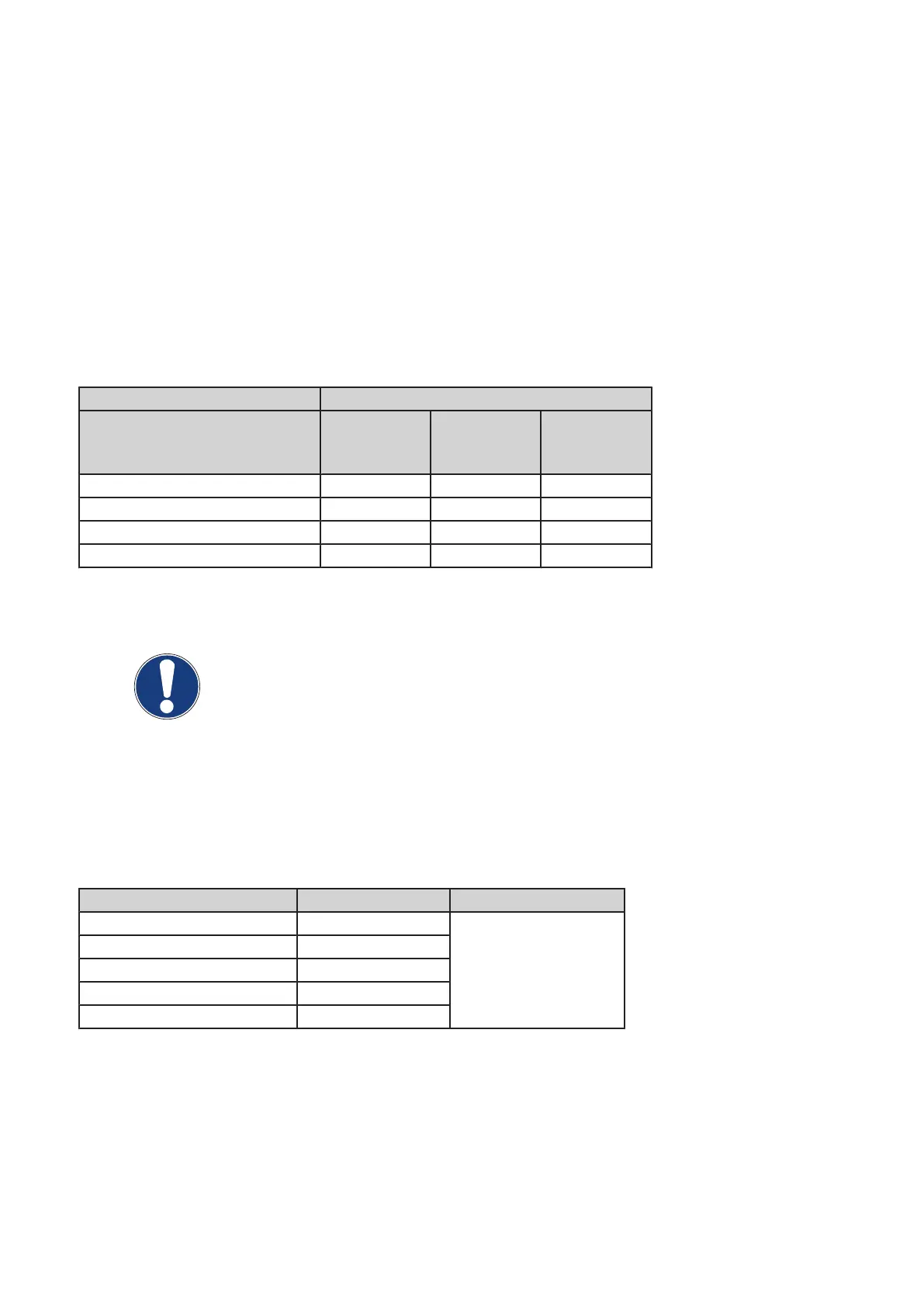
System Connector
EZX23 or
EZX23-1
signal bus
EZX42 or
EZX42-1
system CAN
EZX43 or
EZX43-1
system CAN
BuckyDiagnost TH / TH2 X X
DigitalDiagnost X X X
Thoravision X X X
EasyDiagnost with bucky unit X X X
▪ Switch ON the generator.
NOTE
The programming procedure must not be started before relay ENK1 has been ener‐
gized at least 2 minutes after the generator has been switched on.
▪ Perform the following program settings temporarily for each tube connected to one of the assigned
RGDVs = Free cassette
Select menu AGenT:
Program / RGDV set A + B / RGDV 1 ... 8 / Data Set A
Program setting Temporarily Original Tube
Enable handswitch ...... YES
Syncmaster present NO
Exposure switch type Double Step
Exposure series / Tomo ...... YES
Mounted radiographic ...... NONE
▪ Reset the generator.
▪ Select appropriately programmed RGDV = “Free cassette” for the tube to be conditioned.
Converter test kit OPTIMUS for OPTIMUS 50/65/80 gen‐
erators release 3.x with converters 4512 104 7231x
46 CSIP Level 1 (08.0)
© 2008 Koninklijke Philips Electronics N.V.
ALL RIGHTS RESERVED
Conv test Optimus



 To Next Page