11
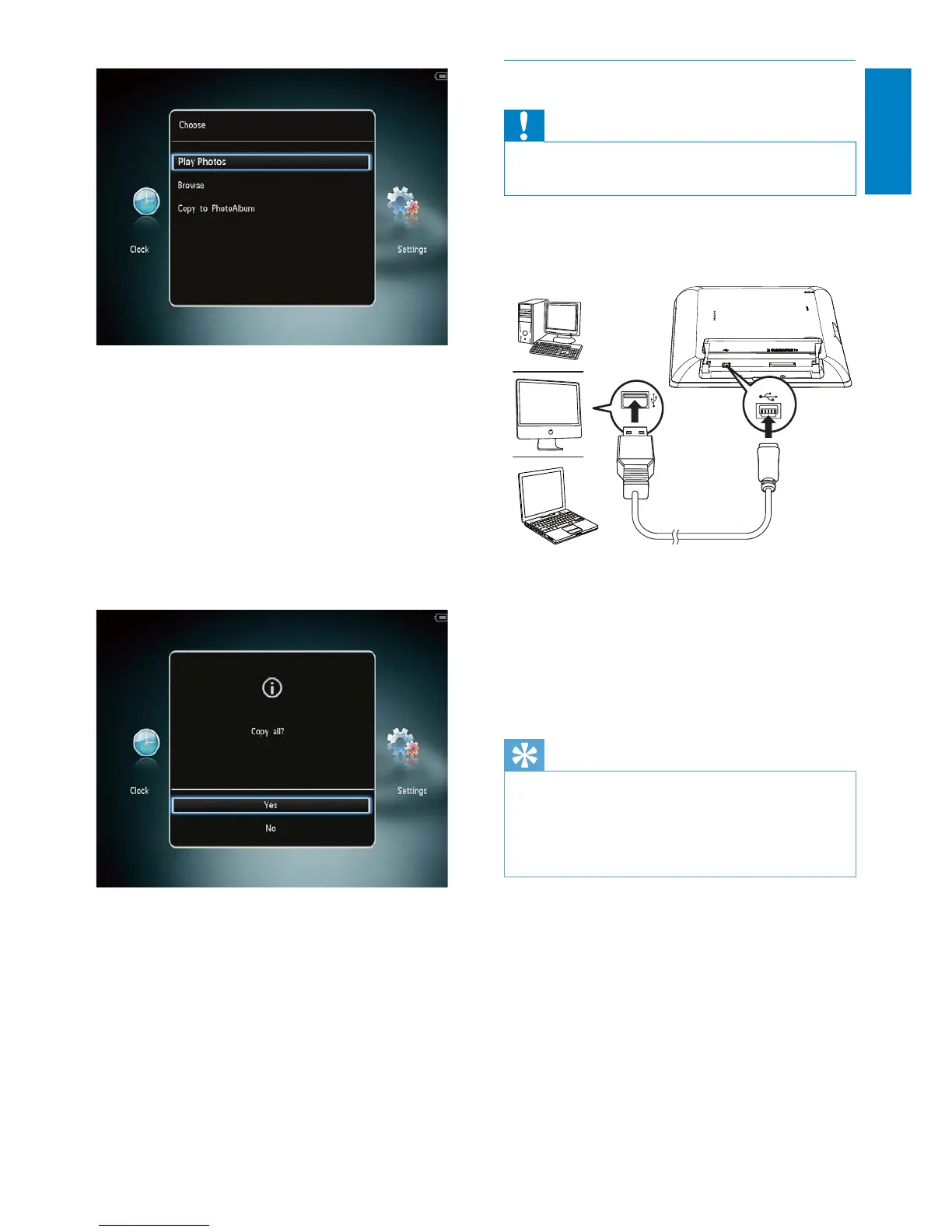
Transfer your media with PC
Caution
Do not disconnect the PhotoAlbum from the •
computer during media transfer.
1 Connect a USB cable to the PhotoAlbum
and to the computer.
You can drag and drop the media from »
the computer to an album on the
PhotoAlbum.
2 When the transfer is complete,
disconnect the USB cable from the
computer and the PhotoAlbum.
Tip
You can transfer media from the PhotoAlbum •
to a computer.
The transfer speed depends the operating
•
system and the software configuration of the
computer.
[Play Photos]: Select it to play media
on the device
[Browse]: Select it to browse media
on the device
[Copy to PhotoAlbum]: Select it to
start transfer operation
3 Select [Copy to PhotoAlbum], and then
tap OK.
A confirmation message is displayed. »
To copy photos to the PhotoFrame:
1 Select [Yes], and then tap OK.
• To remove a storage device, pull it out of
the PhotoAlbum.
English
EN



 To Next Page