19
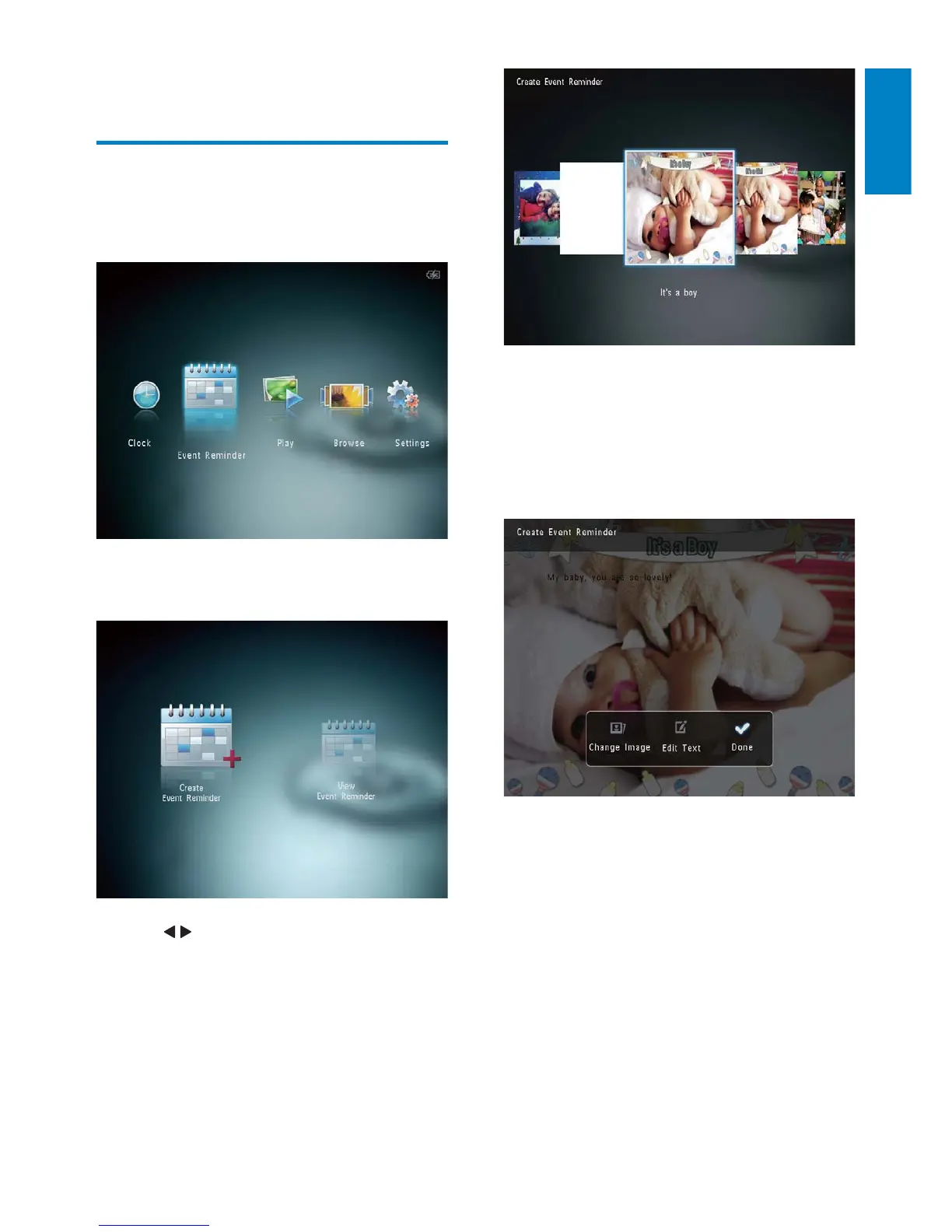
An option list is displayed. »
Change the image of event reminder. »
Edit the text of event reminder. »
Set the real time and date if applicable. »
4 Select [Done], and then tap OK.
The screen prompts you to schedule »
the event reminder.
5 Schedule the message.
7 Event reminder
Create an event reminder
1
In the home screen, select [Event
Reminder] and then tap OK.
2 Select [Create Event Reminder], and
then tap OK.
3 Tap / to select a template of event
reminder, and then tap OK.
English
EN



 To Next Page