26
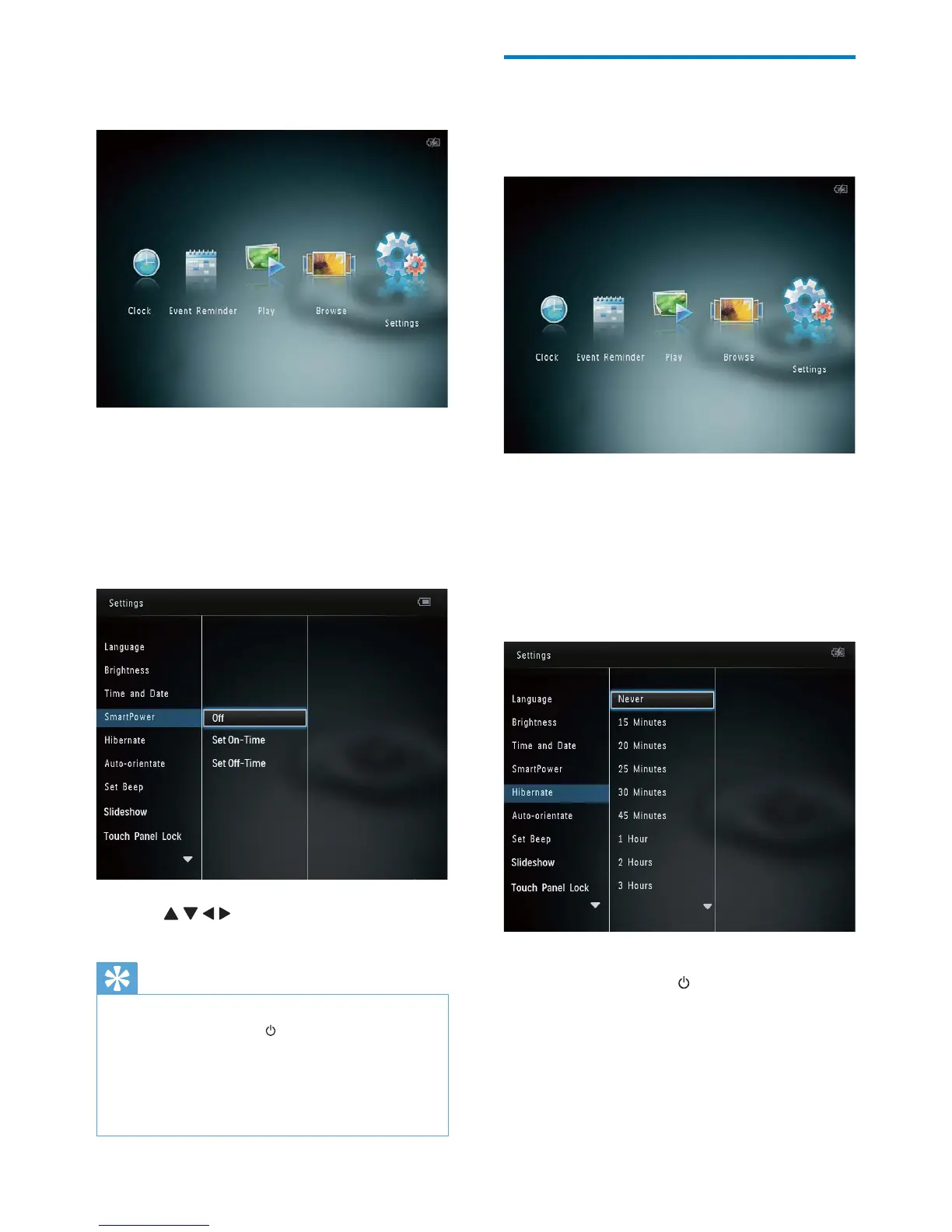
Hibernate the PhotoAlbum
1
In the home screen, select [Settings] and
then tap OK.
2 Select [Hibernate], and then tap OK.
3 Select an option, and then tap OK.
After the selected period, the »
PhotoAlbum hibernates.
To disable the hibernation function, •
select [Never] and then tap OK.
To get the PhotoAlbum out of •
hibernation, press
.
1 In the home screen, select [Settings] and
then tap OK.
2 Select [SmartPower], and then tap OK.
3 Select [Set On-Time] / [Set Off-Time],
and then tap OK.
To switch off the SmartPower •
function, select [Off] and then tap
OK.
4 Tap / / / to set time, and then tap
OK.
Tip
When the PhotoAlbum is in standby (sleep) •
mode, you can press to wake up the
PhotoAlbum.
When the PhotoAlbum is powered by built-in
•
battery: After long time without operation, the
backlight brightness of the display lowers and
then the whole set goes to standby mode.
EN



 To Next Page