28
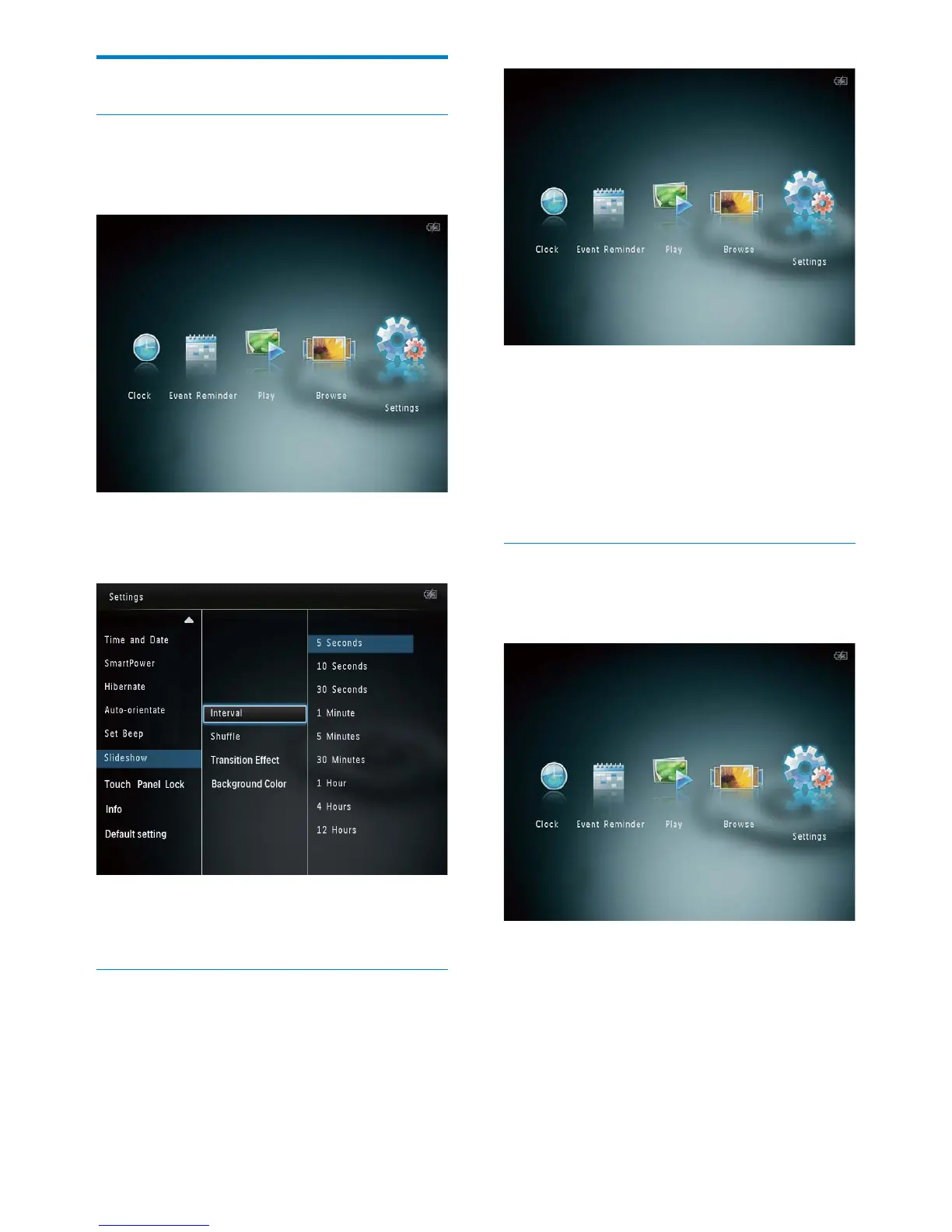
2 Select [Slideshow], and then tap OK.
3 Select [Shuffle], and then tap OK.
4 To display slideshow randomly, select
[On] and then tap OK.
To display slideshow in sequence, •
select [Off] and then tap OK.
Select a transition effect
1 In the home screen, select [Settings] and
then tap OK.
2 Select [Slideshow], and then tap OK.
3 Select [Transition Effect], and then tap
OK.
Slideshow setting
Select slideshow interval
1 In the home screen, select [Settings] and
then tap OK.
2 Select [Slideshow], and then tap OK.
3 Select [Interval], and then tap OK.
4 Select a slideshow interval, and then tap
OK.
Select slideshow sequence
1 In the home screen, select [Settings] and
then tap OK.
EN



 To Next Page