14
After the photo is saved, the »
PhotoAlbum returns to the slideshow
mode.
• [Brightness]: Tap / to adjust the
brightness of display
Zoom and crop a photo
When the view mode is selected as single, you
can zoom in a photo, crop it, and save it as a
new photo as follows:
1 In slideshow mode, tap to zoom in a
photo.
2 Tap MENU.
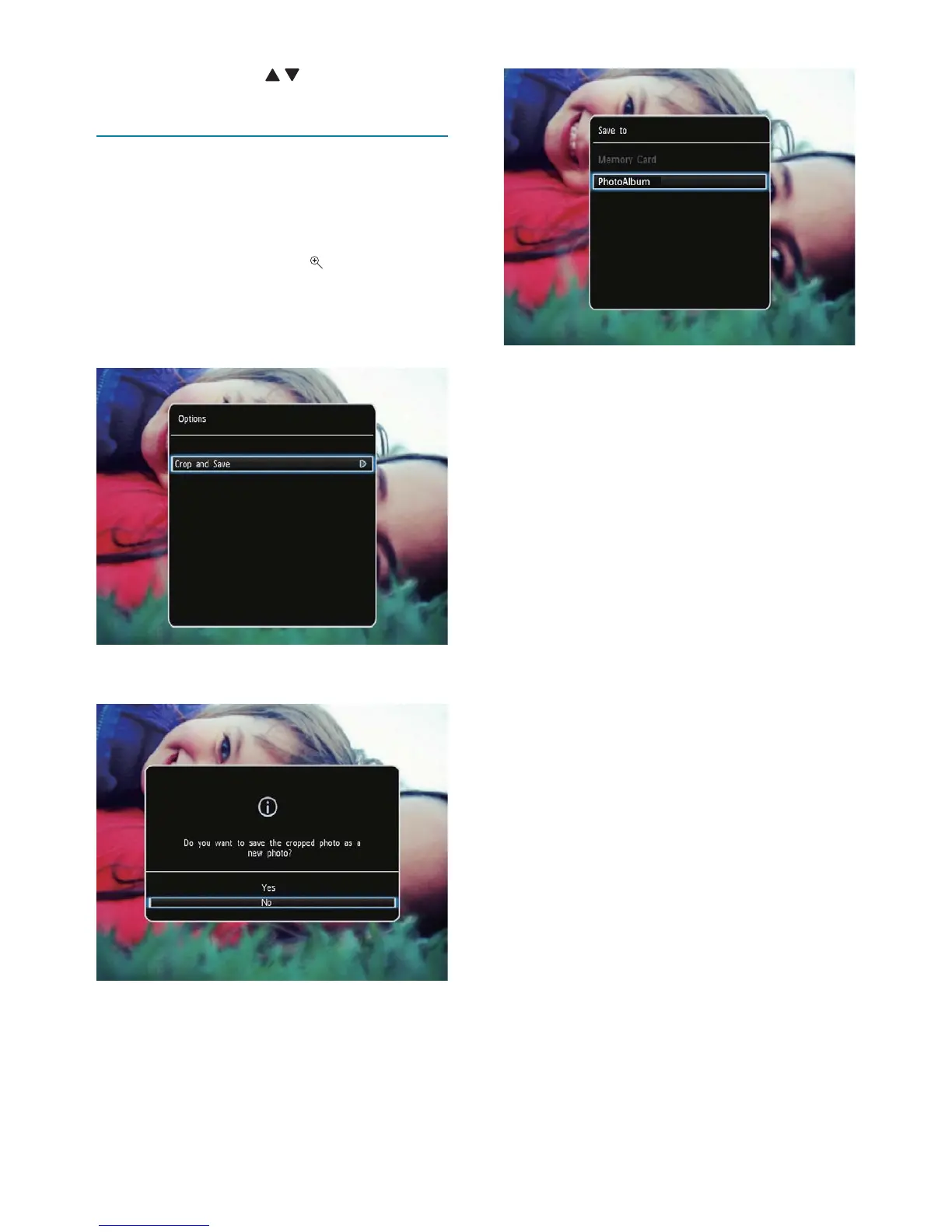
3 Select [Crop and Save], and then tap OK.
A confirmation message is displayed. »
4 Select [Yes], and then tap OK.
To cancel the operation, select • [No]
and then tap OK.
5 Select a location to save the new photo,
and then tap OK.
EN



 To Next Page