18
• [Select Clock]: Select another clock or
calendar template to be displayed.
• [Time and Date]: Tap
/ / / to set
time/date or to select a time/date format.
For details, see Section “Settings - Set
time and date”.
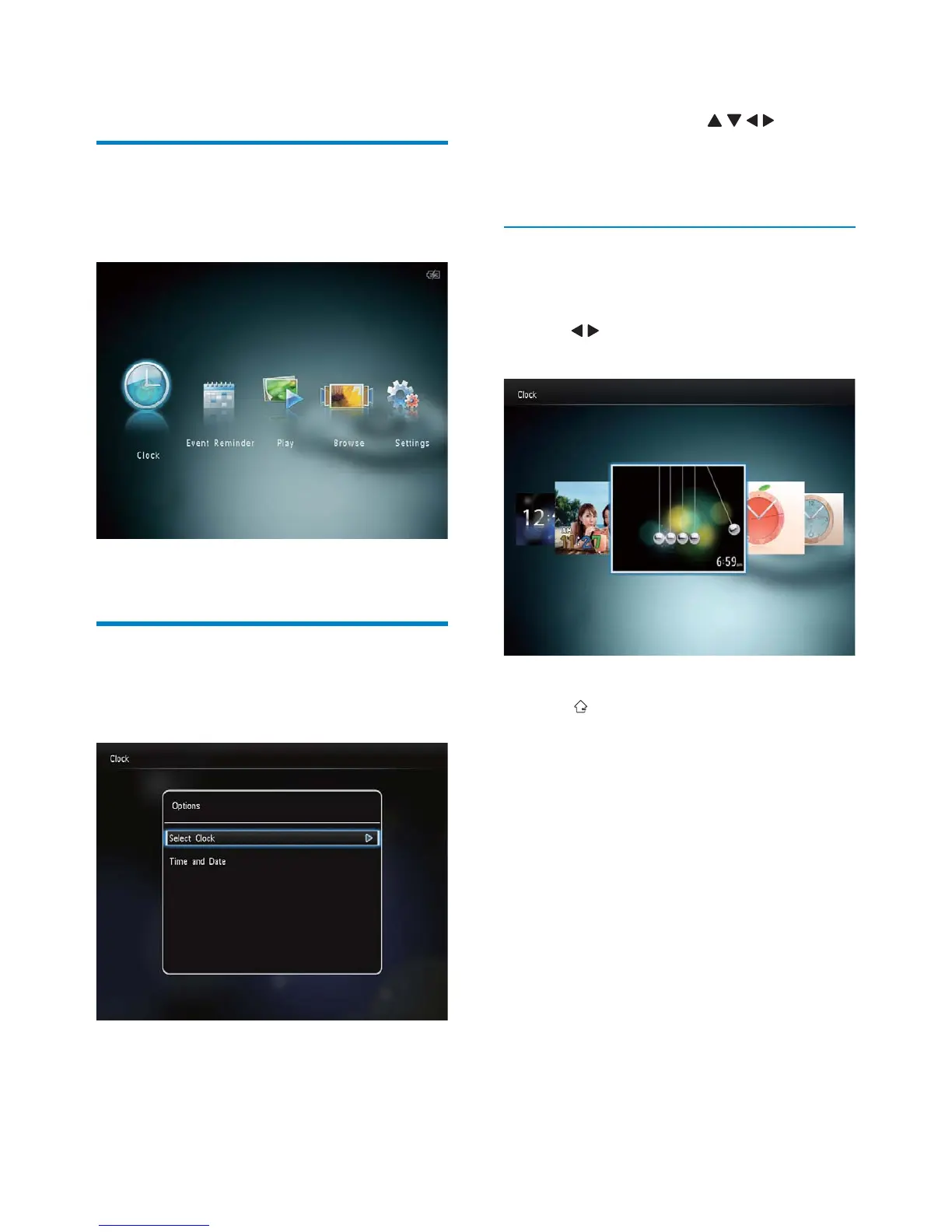
Select a clock/calendar style
1 In the clock menu, select [Select Clock]
and then tap OK.
2 Tap / to select a clock or calendar
template, and then tap OK.
To return to the home screen, hold •
.
6 Clock
Display the clock
1
In the home screen, select [Clock] and
then tap OK.
A clock/calendar is displayed. »
Clock menu
1
When a clock/calendar is displayed, tap
MENU to enter the clock menu.
EN



 To Next Page