12
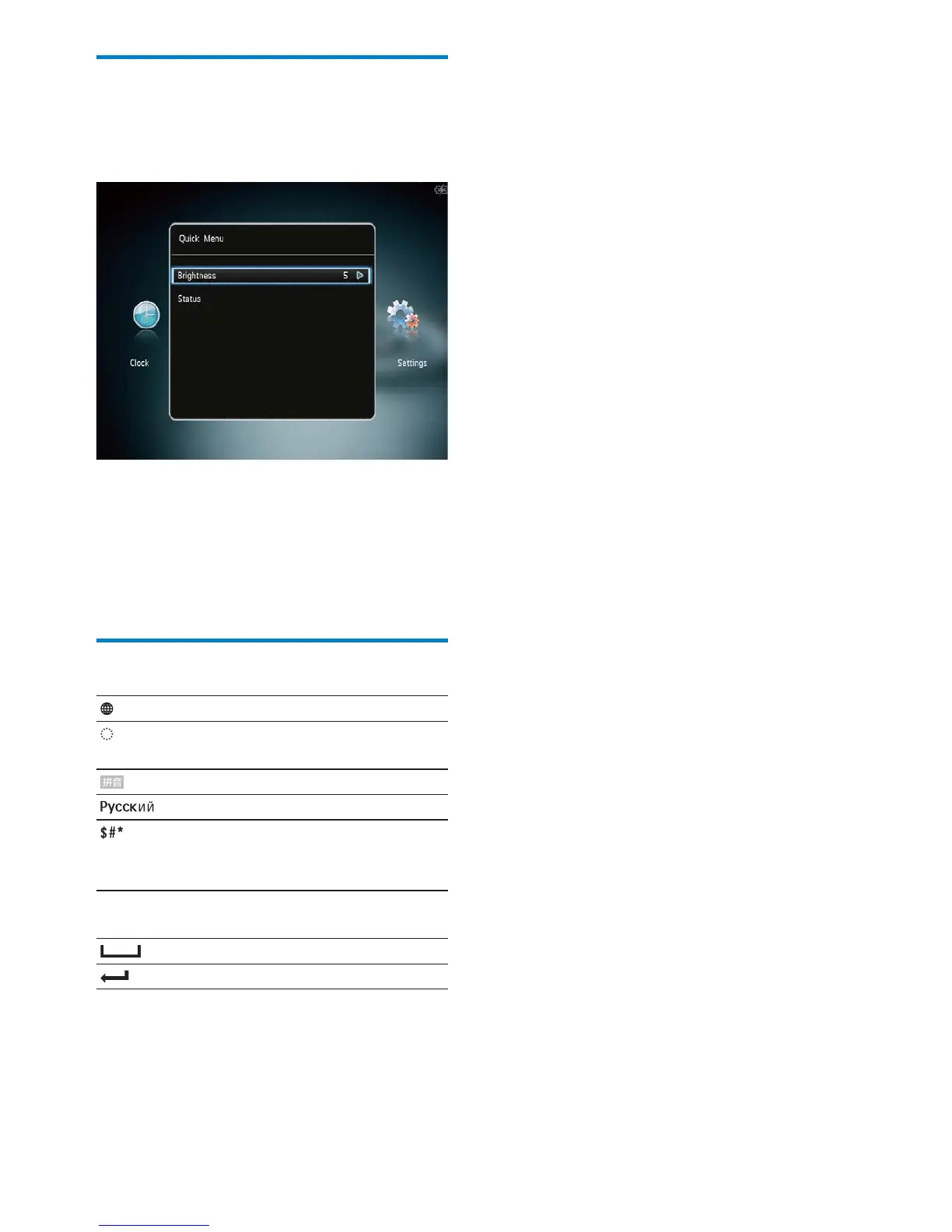
Quick menu
1
In the home screen, tap MENU.
The quick menu is displayed. »
2 Select an option, and then tap OK.
3 Follow the on screen instructions to
adjust the brightness or view the status of
the PhotoAlbum.
• To exit the quick menu, tap MENU again.
Know these keypad icons
Input in English
Input in supported
European languages
Input in Simplified Chinese
Input in Russian
/ ABC Switch to select symbols,
punctuations, alphabet or
numbers
aA Switch between upper and
lower case
Enter a blank space
Enter a line break
EN



 To Next Page