31
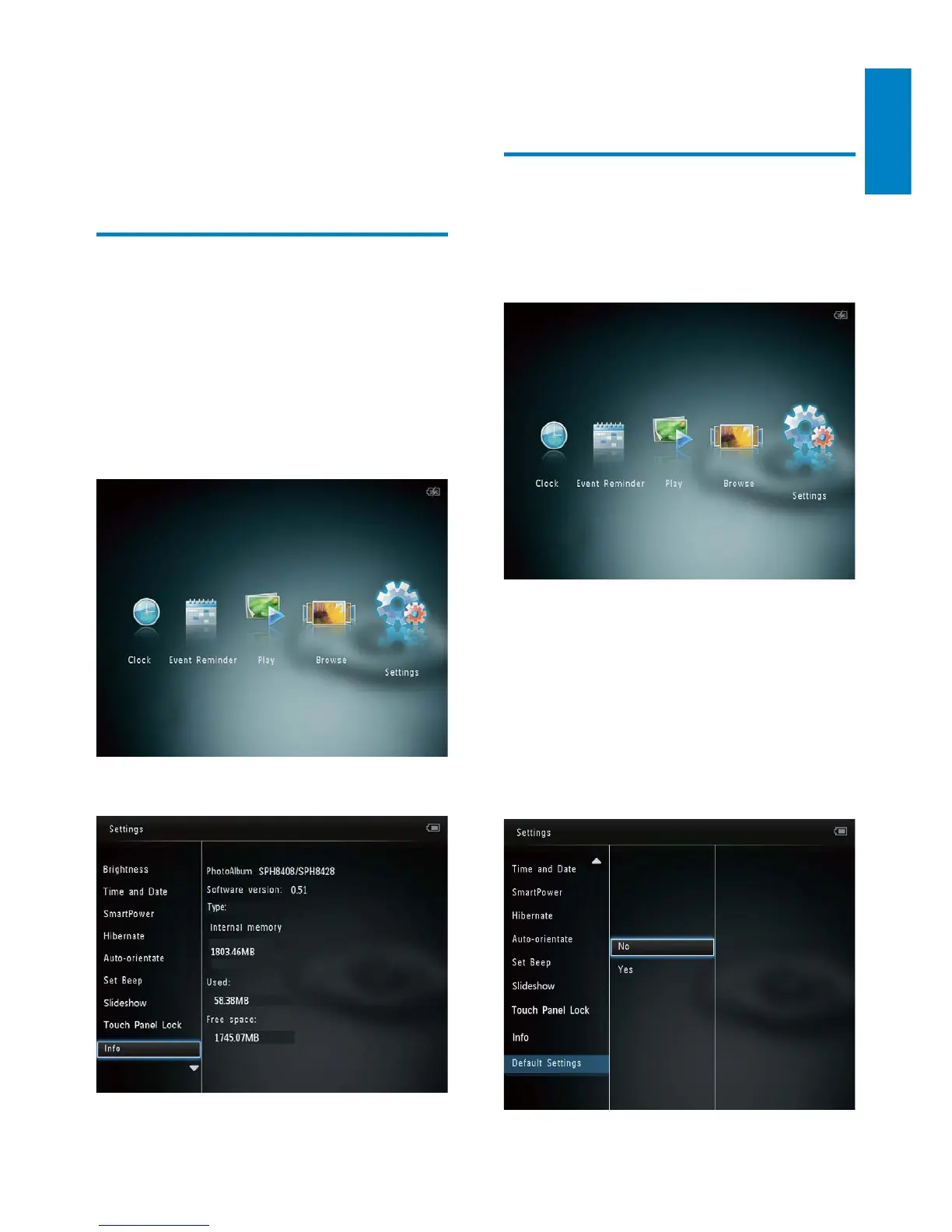
The information of the PhotoAlbum is »
displayed on the screen.
Reset all settings to factory
default
1
In the home screen, select [Settings] and
then tap OK.
2 Select [Default Settings], and then tap
OK.
A confirmation message is displayed. »
3 Select [Yes], and then tap OK.
All settings on the PhotoAlbum are »
reset to factory default.
To cancel the operation, select • [No] in
the prompt message and then tap OK.
To activate the locked touch panel:
1 Tap any button.
The LED lights turns on. »
2 Fast swipe the left-right slider from left to
right, to unlock the touch panel.
View information of the
PhotoAlbum
You can find the model name, the firmware
version of the PhotoAlbum, and the memory
status of the PhotoAlbum and other storage
device available on the PhotoAlbum.
1 In the home screen, select [Settings] and
then tap OK.
2 Select [Info].
English
EN



 To Next Page