17
Rotate photos
1 Select [Rotate], and then tap OK.
2 Tap / to rotate the photo, and then tap
OK.
Select multiple media to manage
1 Select [Multiple-select], and then tap
OK.
2 Select media.
To select all media in the album, tap •
OK.
To select some of the media: Tap •
/ / / and OK to select a medium.
Then repeat this step to select
others.
To de-select a medium, select it and •
then tap OK again.
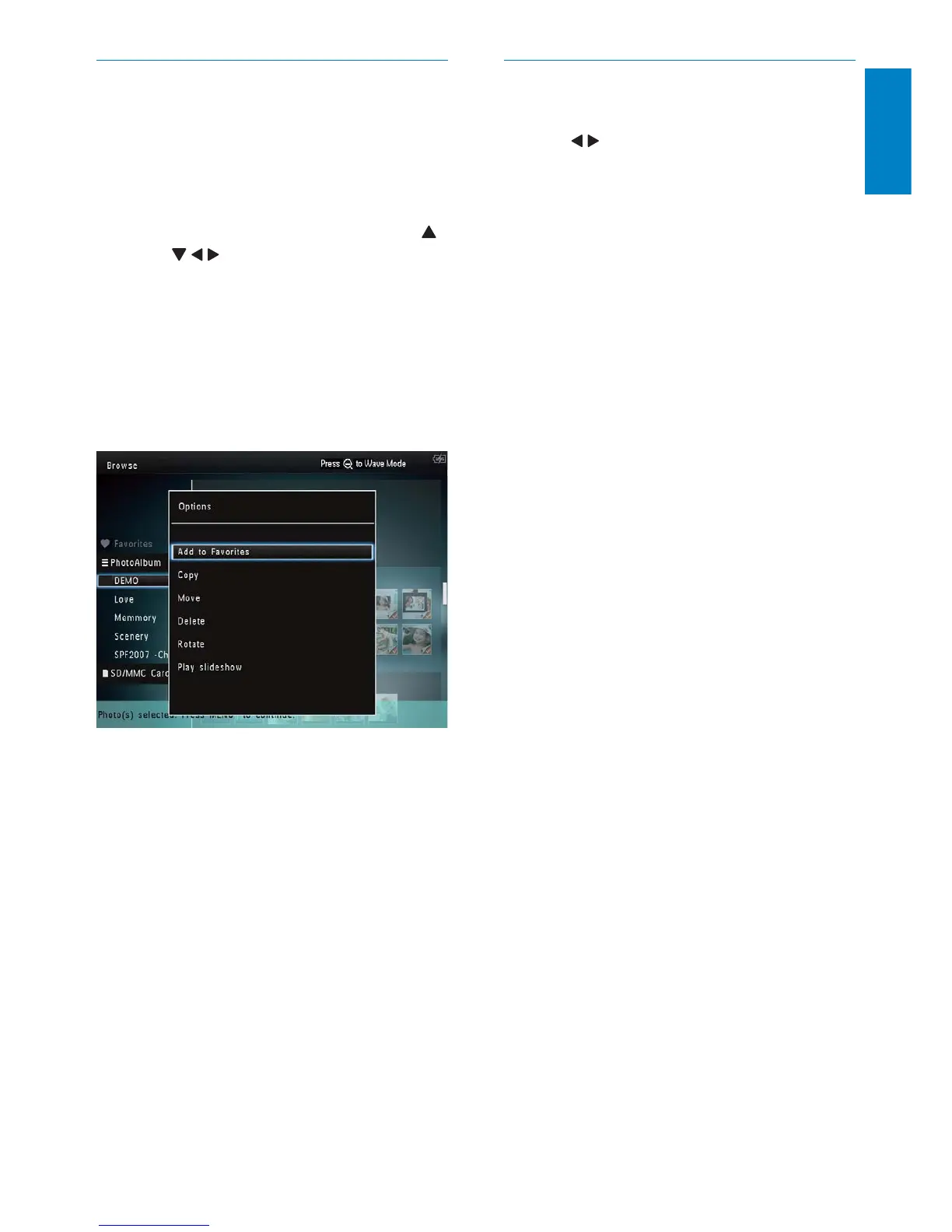
3 After selection is complete, tap MENU to
continue.
An option menu is displayed. »
4 Select an option to continue.
• [Add to Favorites]: Add the selected
media to the [Favorites] album
• [Copy]: Copy the selected media to
another album
• [Move]: Move the selected media to
another album
• [Delete]: Delete the selected media
• [Rotate]: Rotate the selected media
• [Play Slideshow]: Play the selected
media in slideshow mode
English
EN



 To Next Page