25
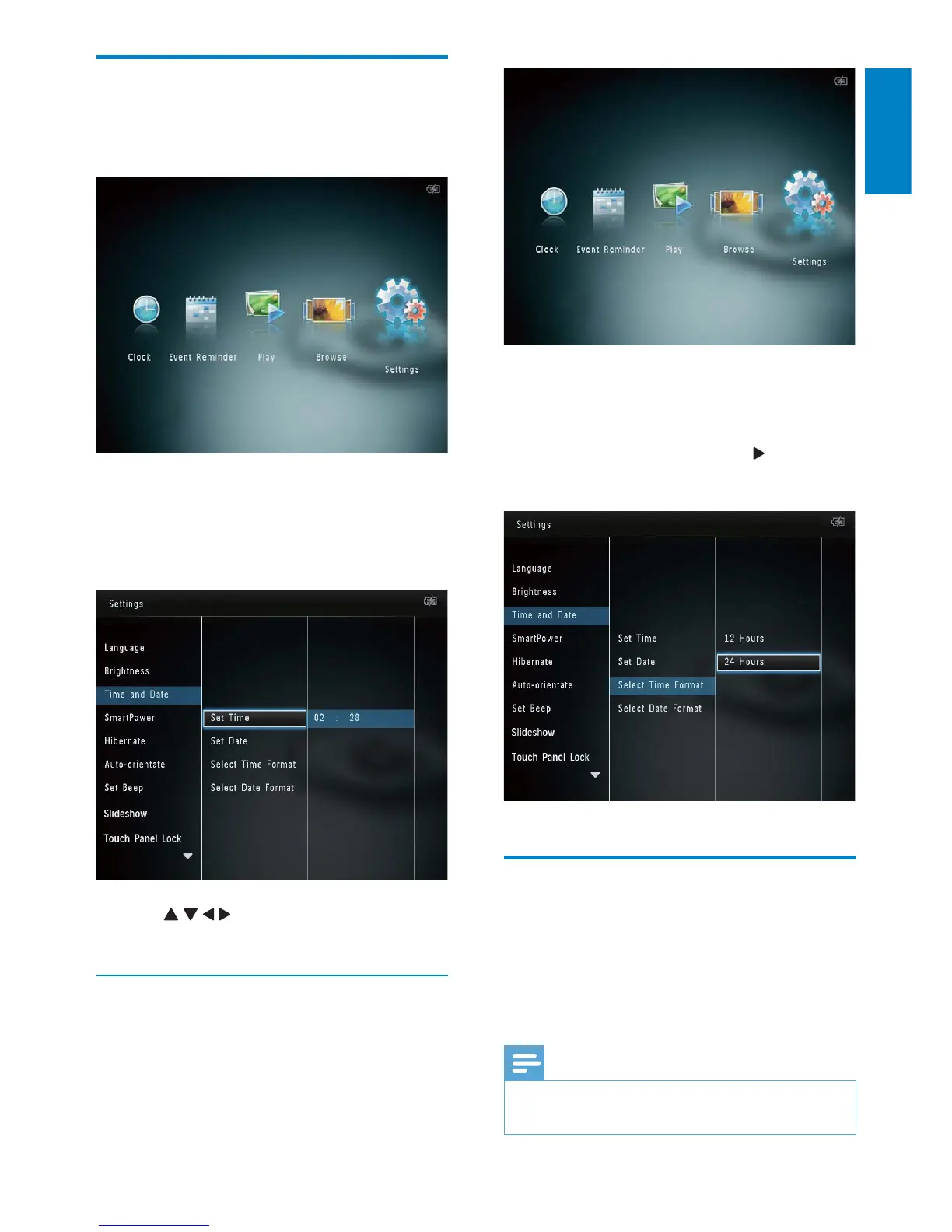
2 Select [Time and Date], and then tap
OK.
3 Select [Select Time Format] / [Select
Date Format], and then tap
.
4 Select a format, and then tap OK.
Set SmartPower timer
With the SmartPower timer, you can configure
the time for the display of the PhotoAlbum
to turn on or turn off automatically. When the
display automatically turns off, the PhotoAlbum
goes to standby (sleep) mode.
Note
Ensure that the current time of the •
PhotoAlbum is set correctly.
Set time/date
1
In the home screen, select [Settings] and
then tap OK.
2 Select [Time and Date], and then tap
OK.
3 Select [Set Time] / [Set Date], and then
tap OK.
4 Tap / / / to adjust minute/hour/day/
month/year, and then tap OK.
Set time/date format
1 In the home screen, select [Settings] and
then tap OK.
English
EN



 To Next Page