13
Tip
If no button is activated for approximately •
15 seconds, the filmstrip disappears and the
slideshow resumes.
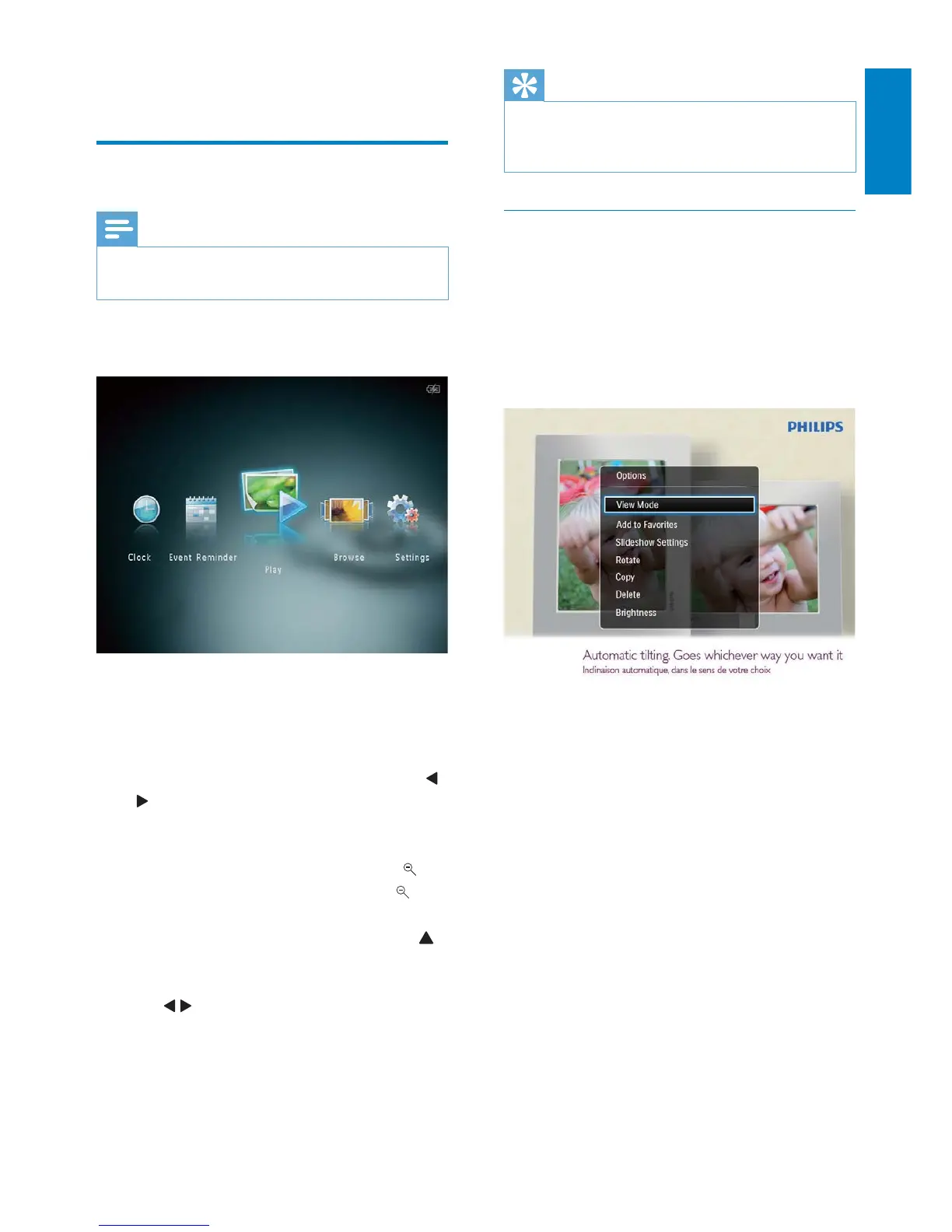
Manage slideshow and photos
You can take the following steps to manage
the photo in slideshow mode or the
slideshow settings:
1 Tap MENU.
An option menu is displayed. »
2 Select an option, and then tap OK.
• [View Mode]: Select the view mode
• [Add to Favorites]: Add the media to the
[Favorites] album on the PhotoAlbum
• [Slideshow Settings]
• [Interval]: Set the interval in
slideshow
• [Shuffle]: Play media randomly or not
• [Color Tone]: Select the color for
the photo
• [Transition Effect]: Select the
transition effect
• [Background Color]: Select the
background color
• [Rotate]: Select an orientation to rotate
the photo
• [Copy]: Copy the photo to another
album
• [Delete]: Delete the photo
4 Play
Display photos
Note
You can display JPEG photos in slideshow •
mode on the PhotoAlbum.
1 In the home screen, select [Play] and
then tap OK.
Photos are displayed in slideshow »
mode.
In slideshow mode:
To select the previous/next photo, tap •
/ .
To pause the slideshow, tap • OK.
To resume the slideshow, tap • OK again.
To view photos in album mode, tap •
.
To view photos in wave mode, tap •
twice.
To view photos in filmstrip mode, tap •
.
In filmstrip mode:
Tap •
/ to view the previous/next photo.
To return to slideshow mode, tap • OK.
English
EN



 To Next Page