24
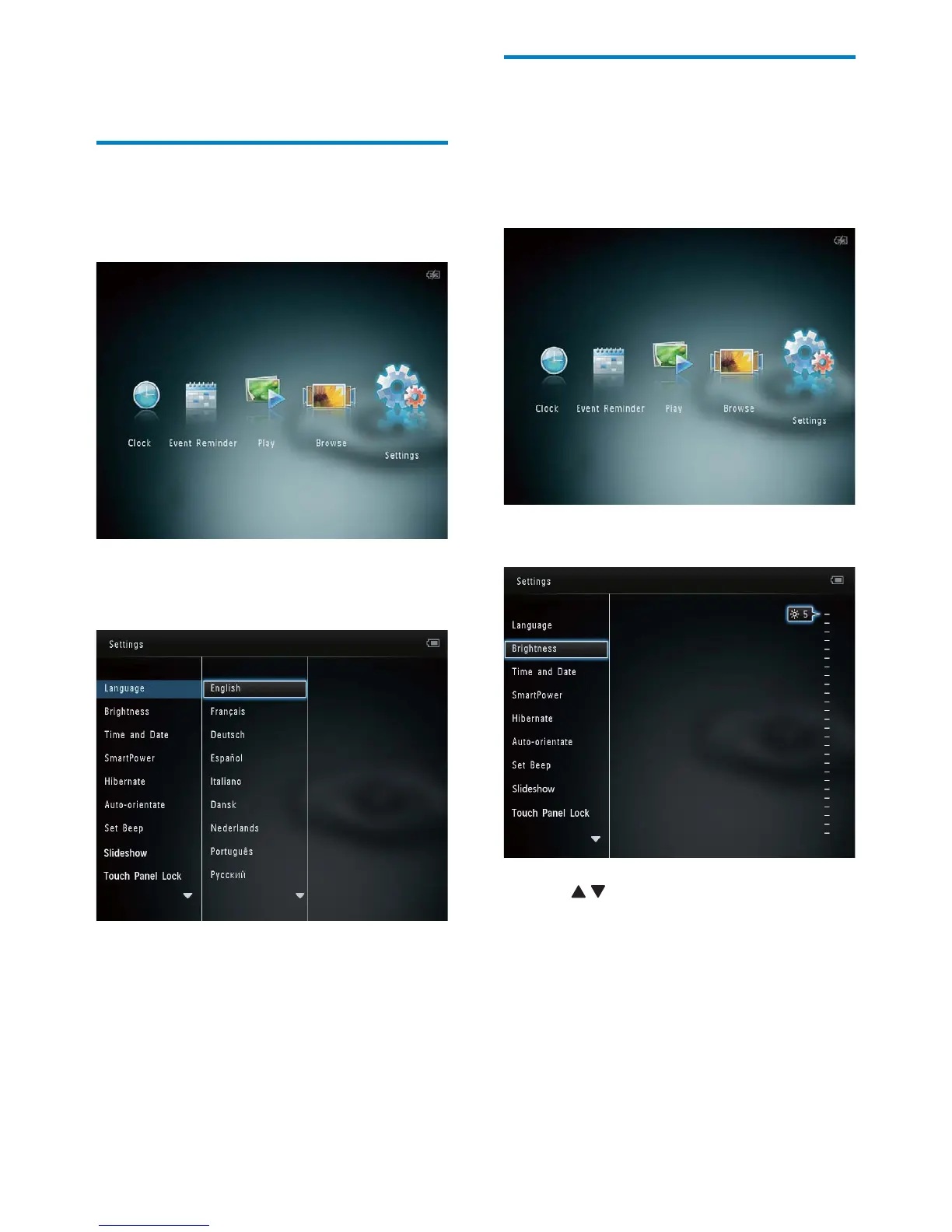
Adjust brightness
You can adjust the brightness of the
PhotoAlbum to achieve the best view.
1 In the home screen, select [Settings] and
then tap OK.
2 Select [Brightness], and then tap OK.
3 Tap / to adjust brightness, and then
tap OK.
8 Settings
Select an on-screen language
1
In the home screen, select [Settings] and
then tap OK.
2 Select [Language], and then tap OK.
3 Select a language, and then tap OK.
EN



 To Next Page