22
8 Move to , and then tap OK.
9 Select [Done], and then tap OK.
View an event reminder
1
In the home screen, select [Event
Reminder] and then tap OK.
2 Select [View Event Reminder], and then
tap OK.
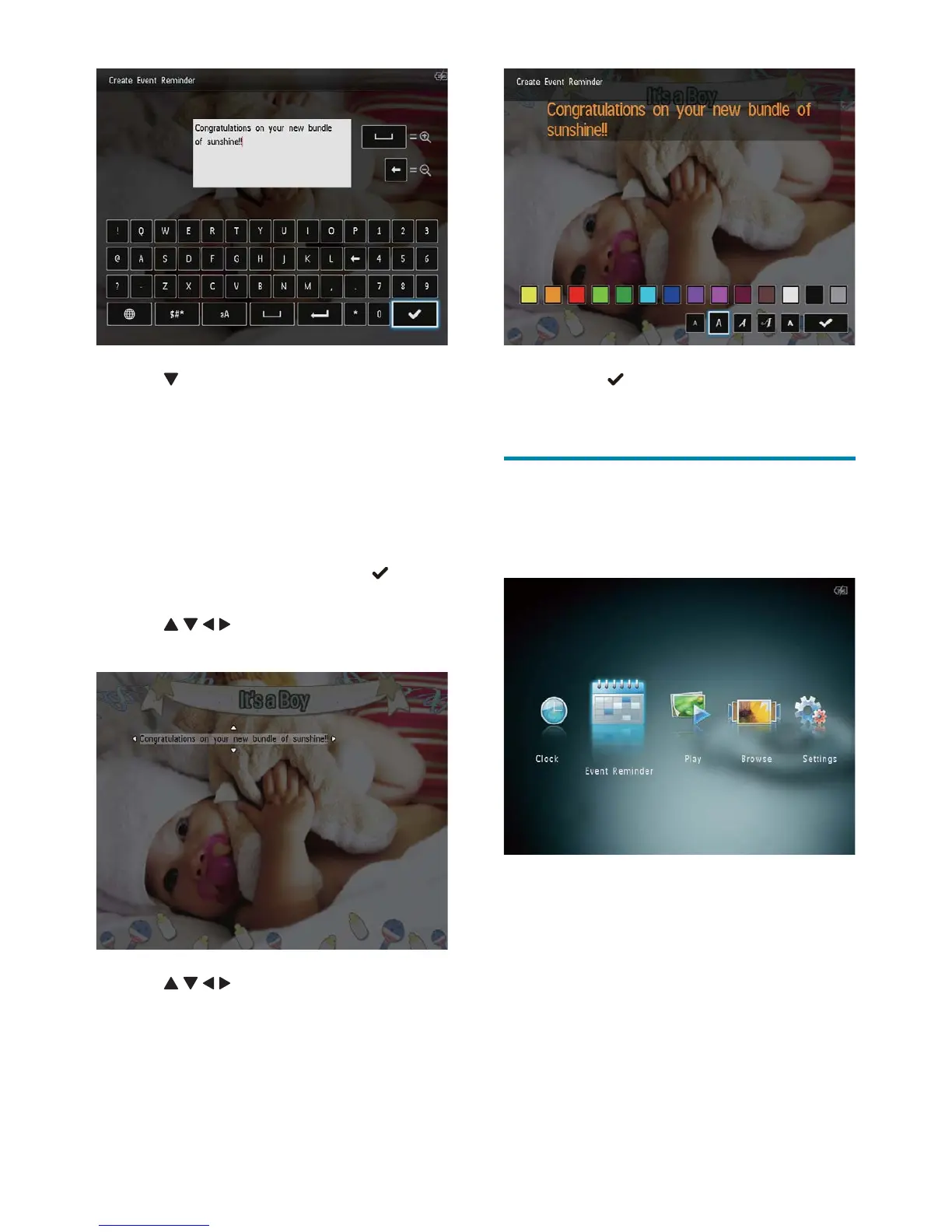
3 Tap twice to access the keypad.
4 To enter the text, select an alphabet/
number and then tap OK.
Select an input method, see “Know •
these keypad icons”.
To switch between uppercase and •
lowercase, select aA on the displayed
keypad and then tap OK.
5 After you enter the text, select and
then tap OK.
6 Tap / / / to position the text, and
then tap OK.
7 Tap / / / to select the color or font
of the text, and then tap OK.
EN



 To Next Page