21
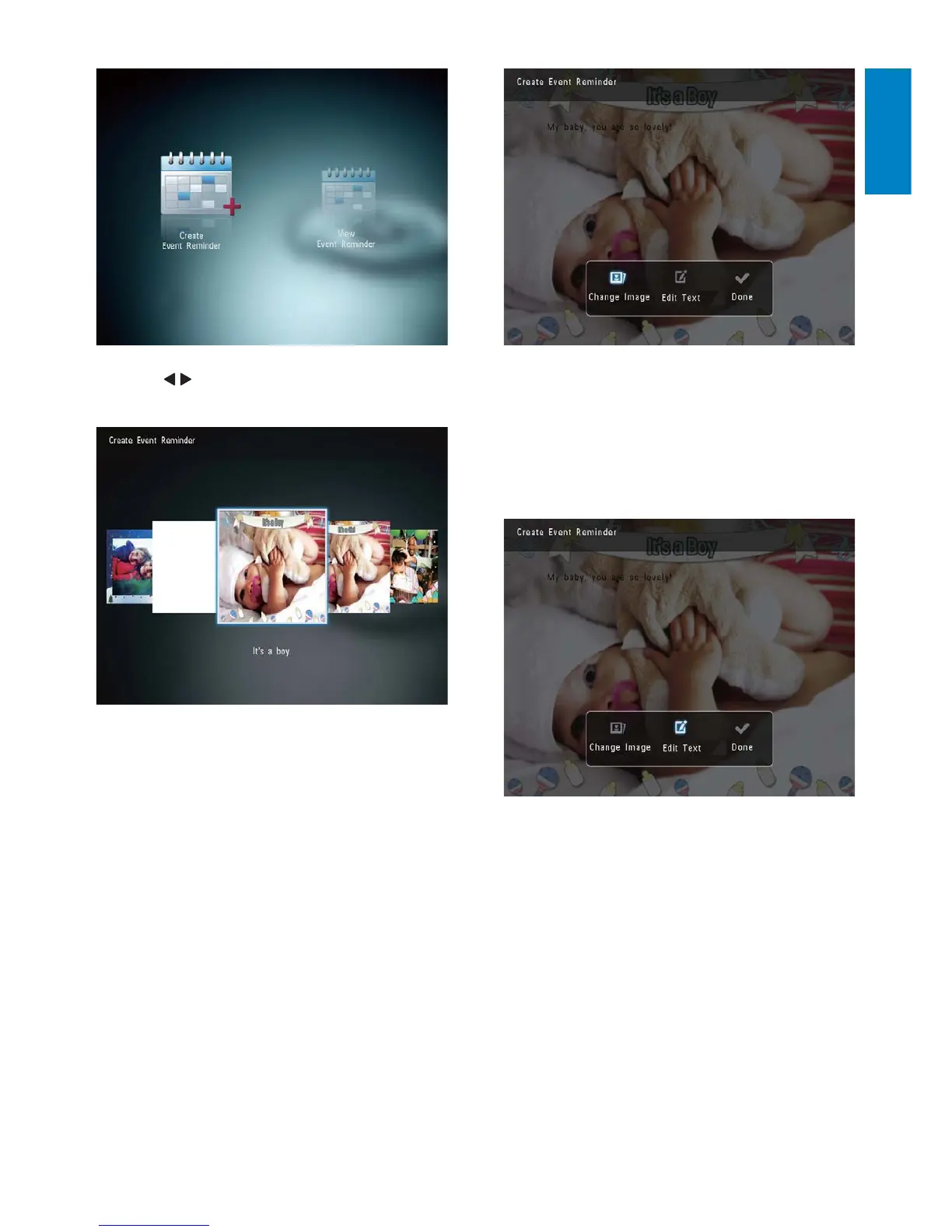
2 Select an image available on the
PhotoAlbum, and then tap OK.
To edit the text of event reminder:
1 Select [Edit Text], and then tap OK.
2 Select a preset template, and then tap
OK.
The keypad is displayed. »
3 Tap / to select a template of event
reminder, and then tap OK.
4 Select one of the following options to
edit an event reminder.
• [Change Image]: Change the image
of the event reminder
• [Edit Text]: Edit the text of event
reminder
To change the image of event reminder:
1 Select [Change Image], and then tap OK.
English
EN



 To Next Page