30
Unlock the touch panel
1
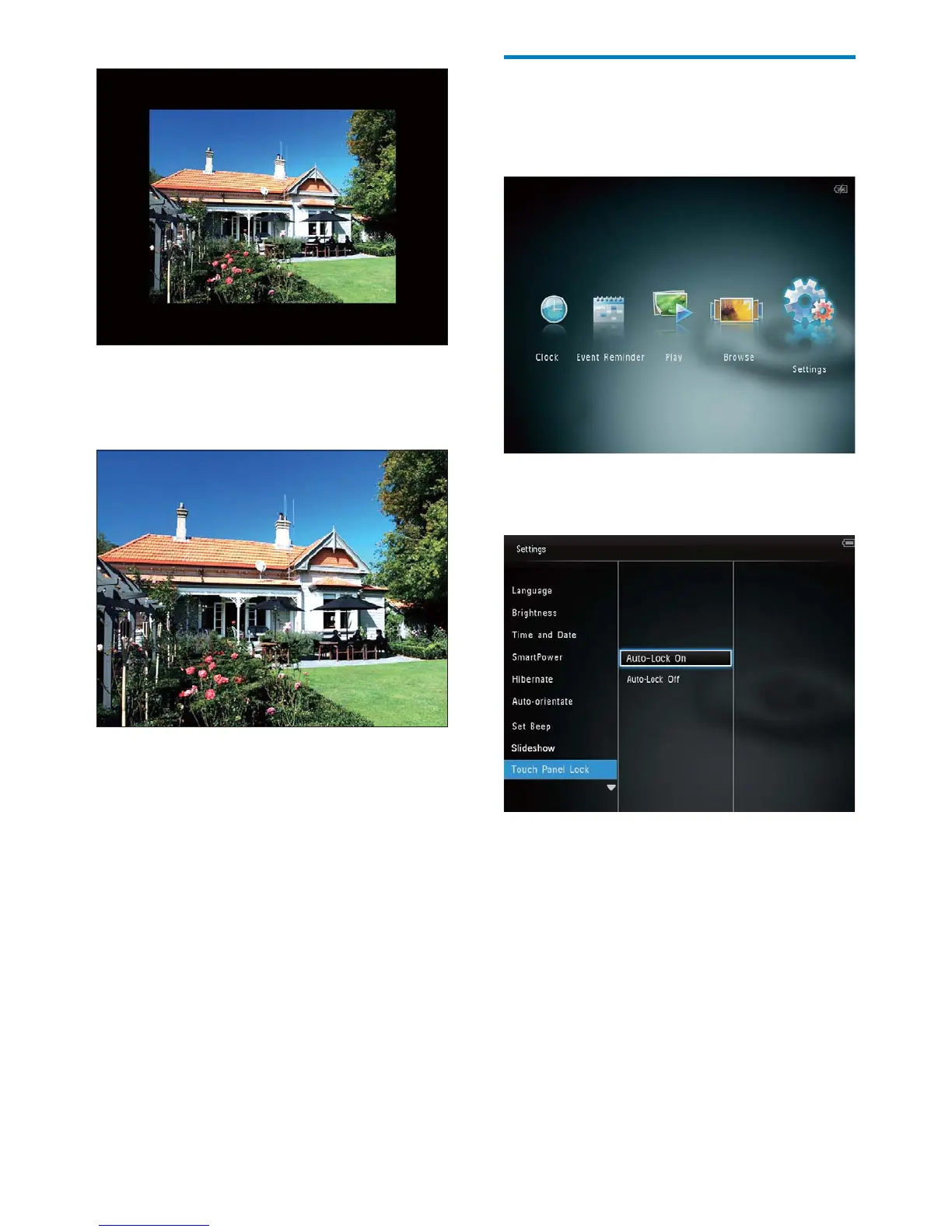
In the home screen, select [Settings] and
then tap OK.
2 Select [Touch Panel Lock], and then tap
OK.
3 Select [Auto-Lock On] to enable the
lock, and then tap OK.
If no button is activated for »
approximately 10 seconds, the touch
panel is locked automatically and the
LED lights on the touch panel are
turned off.
To disable the lock, select • [Auto-
Lock Off].
If you select » [Auto-fit], the
PhotoAlbum extends a photo to fill
the screen with picture distortion.
EN



 To Next Page