English
EN
55
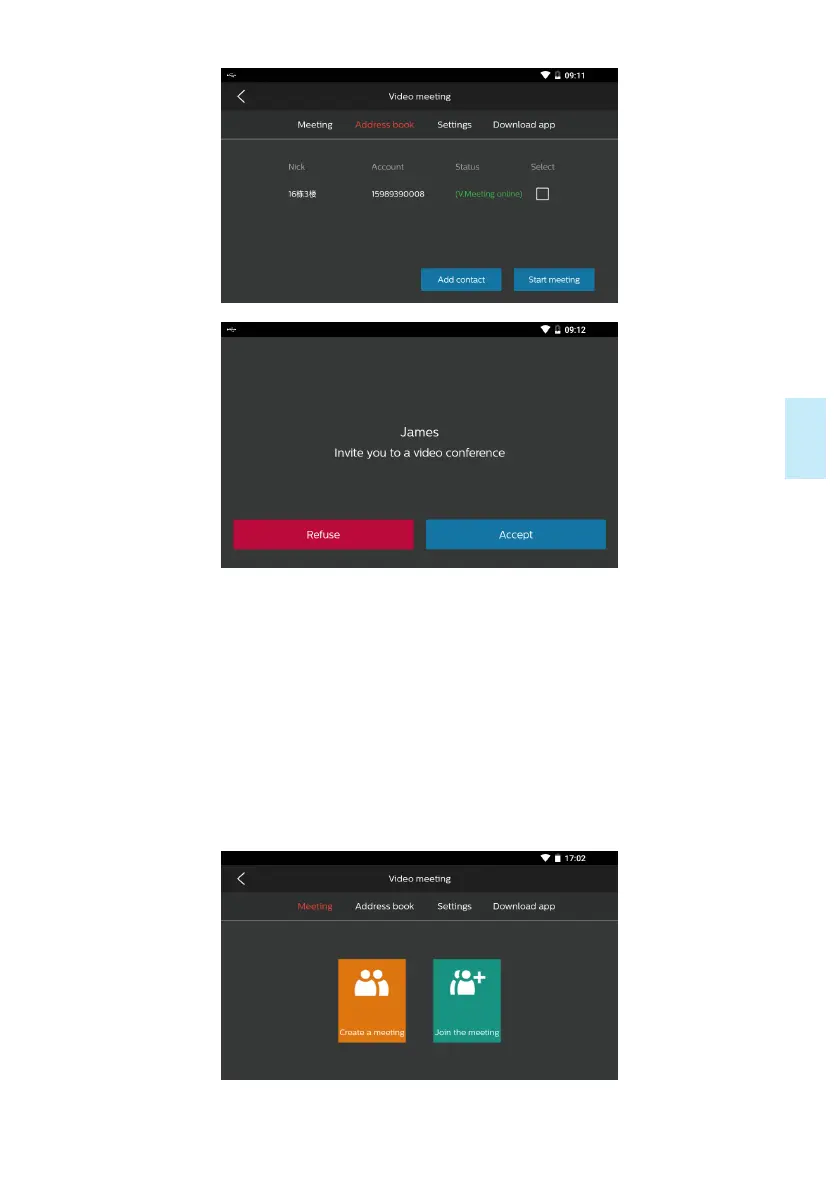
2) Multi-party mode: Select “Creating a Conference Room” or “Joining a
Conference Room” on the “Conference” screen.(The name displayed during the
videoconference should be set as prompted for the first use.) Click “Creating a
Conference Room”, and the conference room is created successfully, when you
invite contacts to join the conference; click “Joining a Conference Room”, enter
the room ID created by the initiator, and click the “Finish” button to join the
conference room successfully; a mobile phone user should download the app,
enter the room ID created by the initiator, and click the “Finish” button to join the
conference room, as indicated in the figure below:










 To Next Page