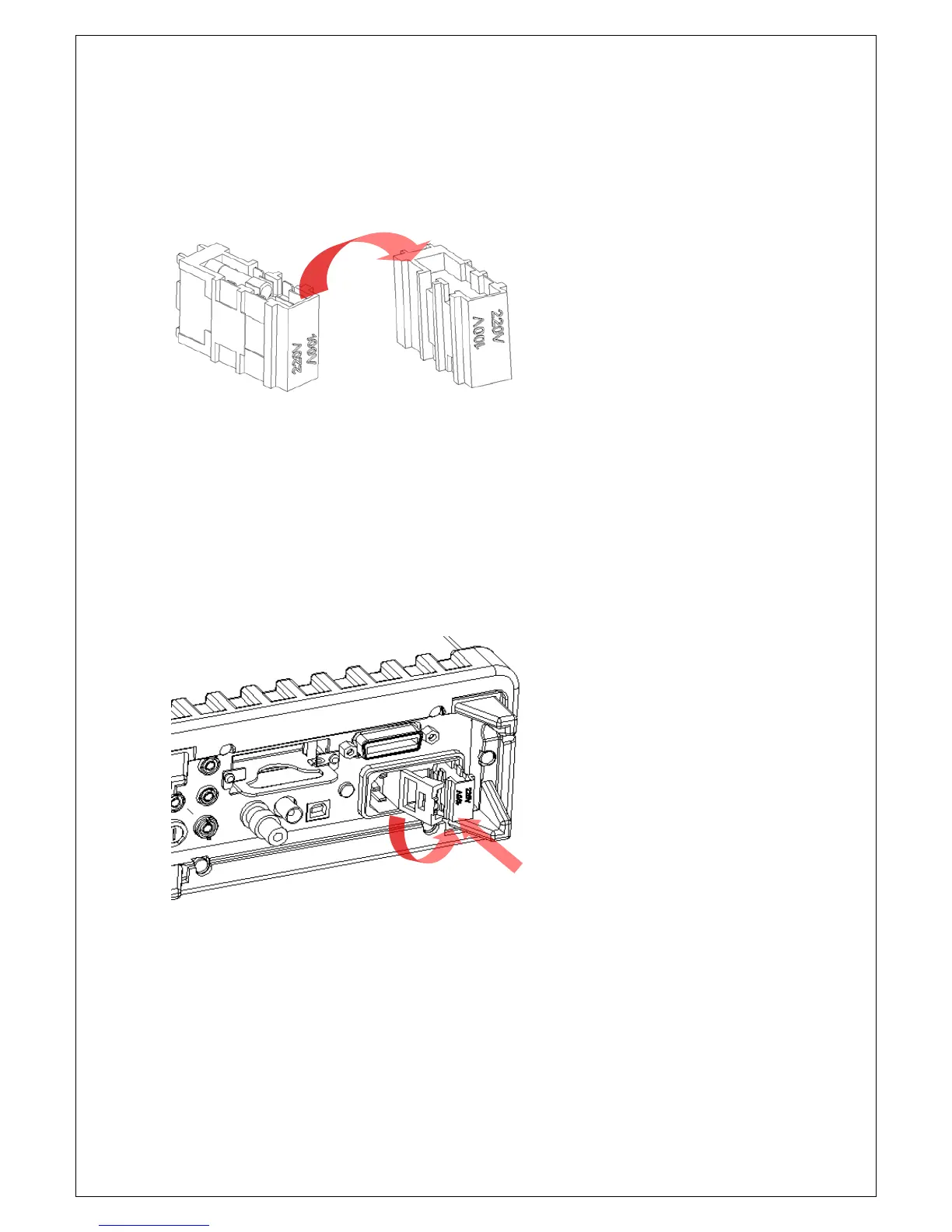
[Step 4]
Turn the voltage selector over, the value you want to set must in the right
side.
Figure 2-3
[Step 5]
Insert the voltage setting selector back into the socket and close the cap as
shown in Figure 2-4. Check the setting from the window again.
Figure 2-4
NOTE: Before re-connecting the power line cord to your multimeter, make
sure that power switch is in the “POWER OFF” state.



 To Next Page