upgrade their multimeter by update firmware of these microprocessors.
Firmware updating will support more stability or functions for your
multimeter. To upgrade your M3500A, please follow the steps below.
[Step 1]
Link to PICOTEST homepage:
http://www.picotest.com.tw/ by your browser.
Click the banner “Support” and login to enter the support page. If you are
visit the site first time, please register for more service. Download the latest
firmware file for your instrument.
[Step 2]
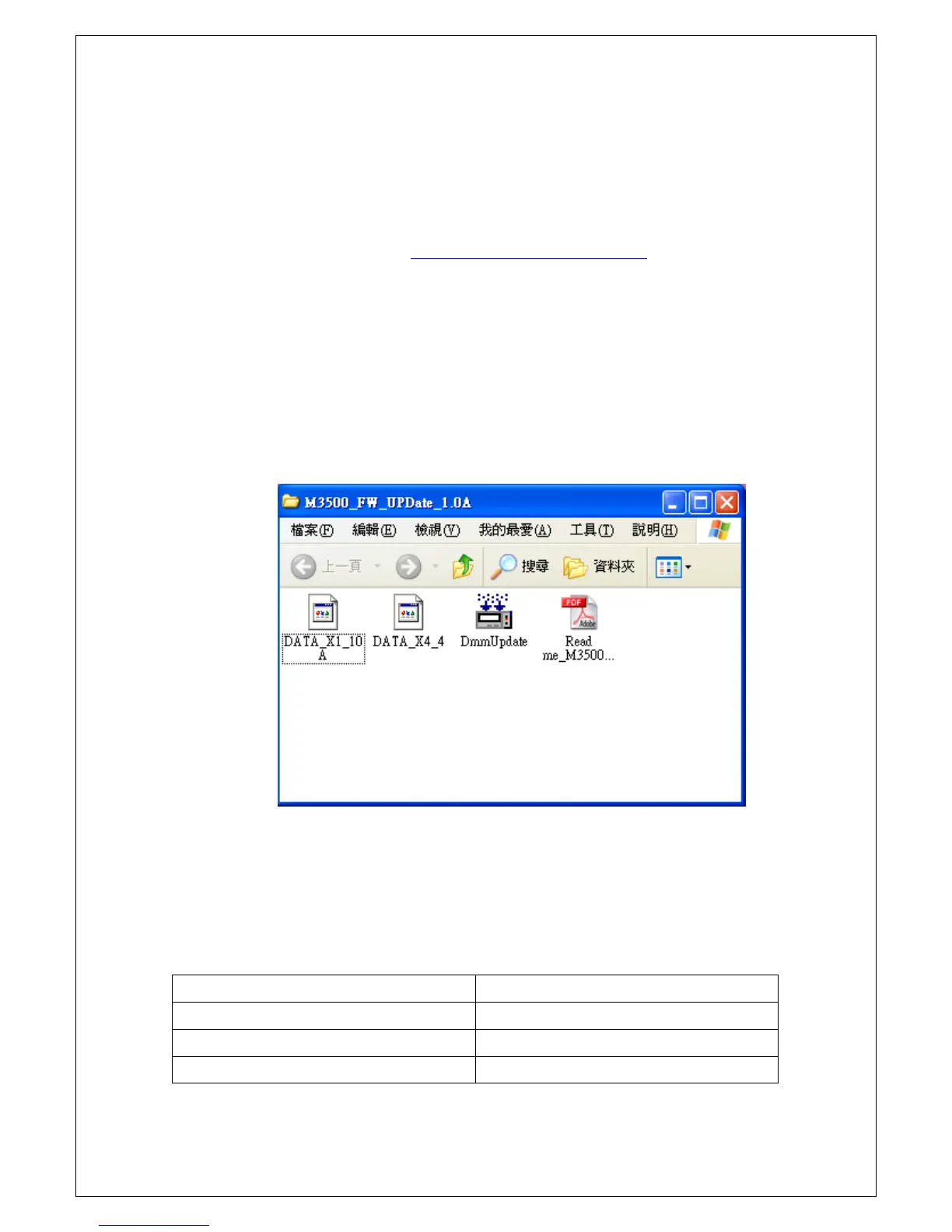
Unzip the downloaded file, you will find the files as shown in Figure 2-25.
Please read the document include in the downloaded zip file for detail.
Figure 2-25
NOTE: You can select the firmware file for the MCU that you want to
upgrade only. Please refer to Table 2-3 to choose the firmware file you need.
The code “x” at last of the file name indicates the version. For more
information, please contract your local service representative.
Microprocessor File name
DSP DATA_X1_xxx.bin
Panel Processor DATA_X3_x.bin
Front-end Processor DATA_X4_x.bin
Table 2-3



 To Next Page