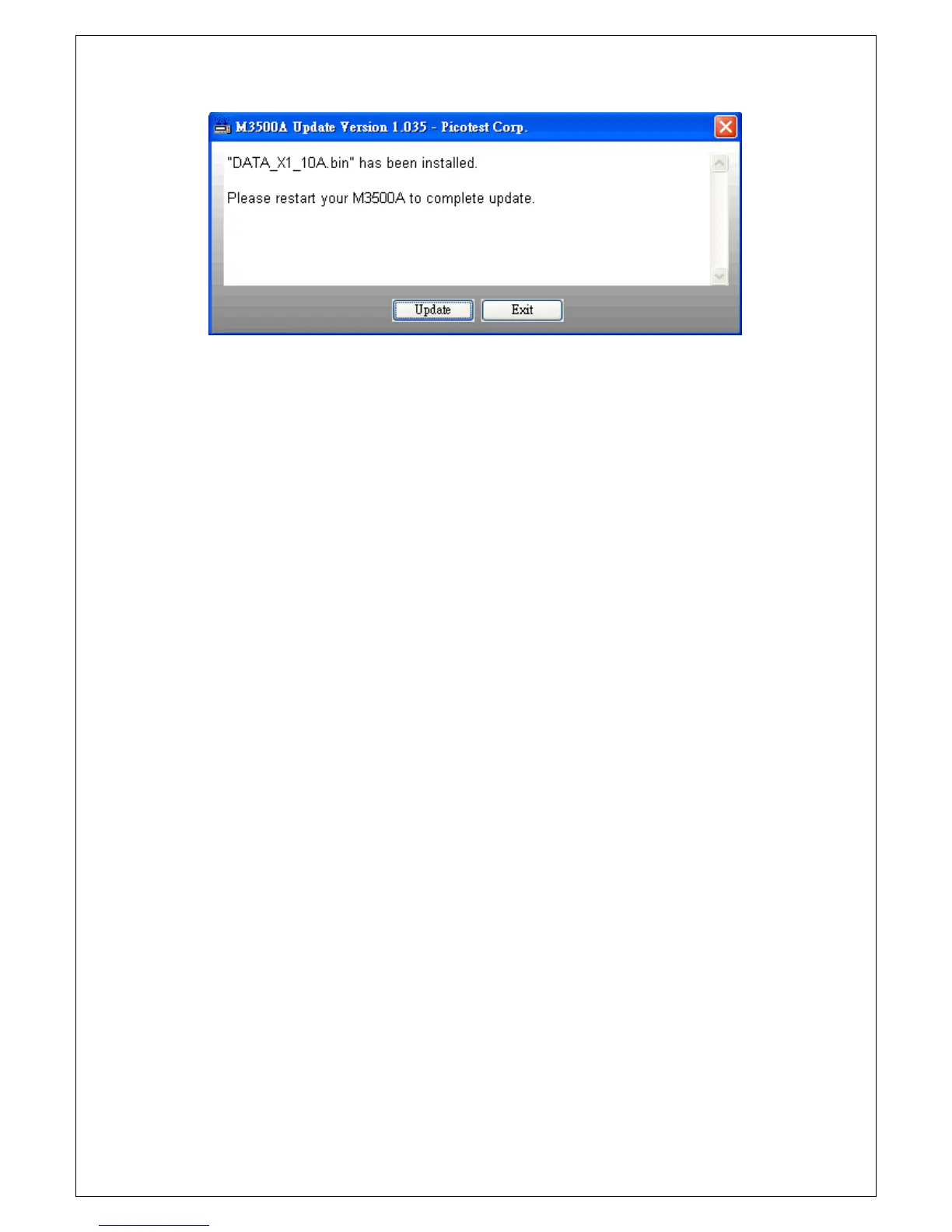
Figure 2-27
[Step 5]
Click “Update” bottom again after you restart your multimeter for installing
the other firmware, or click “Exit” to exit the program and complete whole
installation.
[Step 6]
To confirm the updating is successful, follow the procedure below to check
the system version.
Procedure: MENU
SYSTEM VER.
The system version will show in the format of “xx.xx-xx-xx”. The first code
“xx.xx” is the firmware version of the DSP (Digital Signal Processor); the
second code “xx” is for the panel microprocessor and the last one indicates
the front-end MCU’s firmware version. If the result is incorrect, update it
again.
Also, you can check the firmware version of DSP by pressing
“DISPLAY-NEXT/PREV” button. The DSP’s firmware version will show on the
lower-raw display panel by the form “DSP VER.: xx.xx”. It will be the same
as the version shown in the MENU.
NOTE: If you have any trouble when you upgrading the firmware, please
contact your local service representative.



 To Next Page