[Step 4]
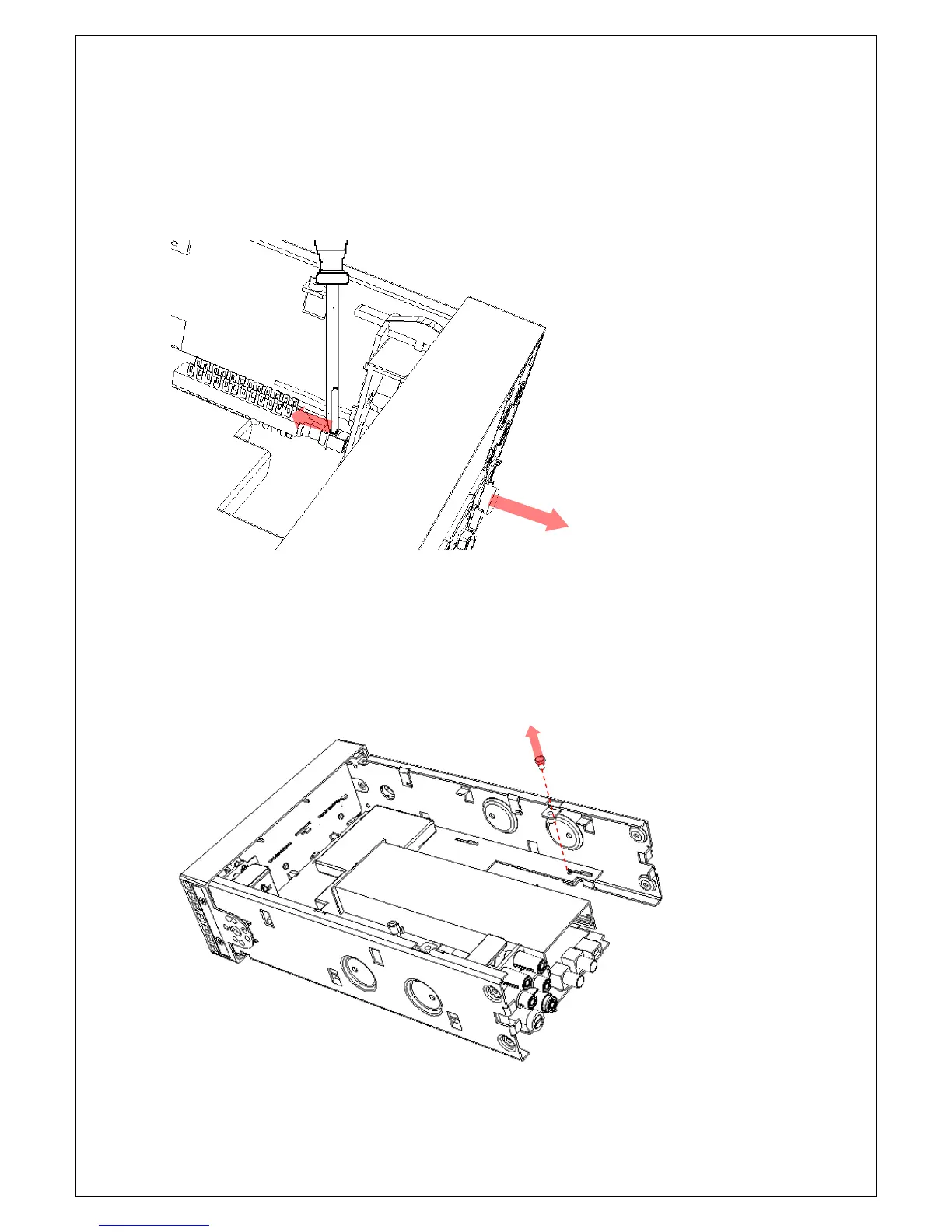
To remove the front/rear switch rod, place the edge of a flat-blade
screwdriver in the notch on the pushrod, and twist the driver gently while
pulling the rod from the shaft as shown in Figure 4-13.
Figure 4-13
[Step 5]
Unplug the ribbon cable from the display panel to the connector J1604, and
then remove the screw that secure the main board on the chassis as shown
in Figure4-14.
Figure 4-14



 To Next Page