Operation
Operating Manual PNOZ m B1
1003790-EN-02
| 34
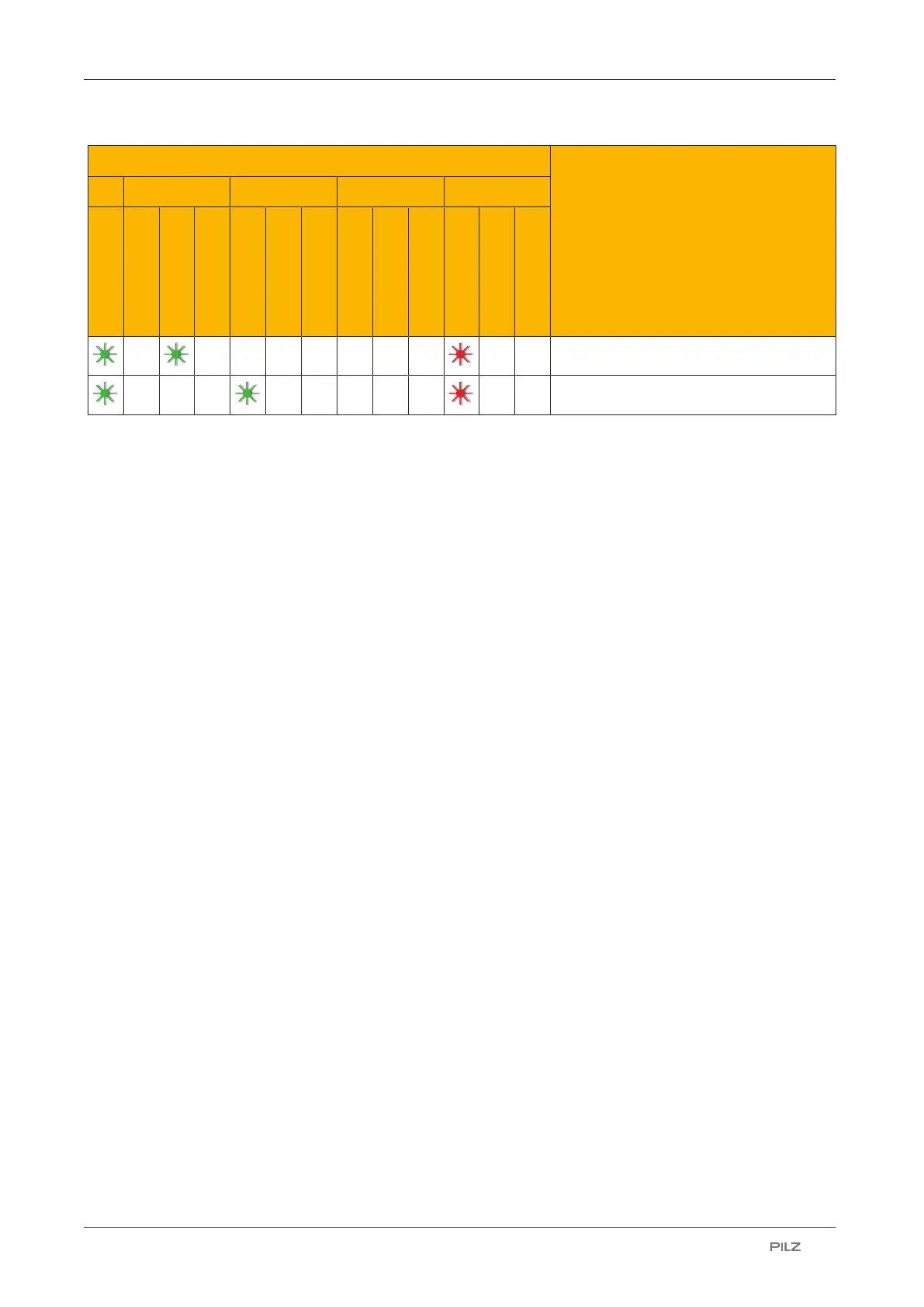
LEDs Description
FS ST Diag Fault
Recoverable error by user in FS mode
Recoverable error by user in ST mode
7.2 Show error stack on the display
The error stack can be read from the PNOZmulti Configurator or shown on the LC display.
The error stack can store up to 64 status and error messages.
The following information is shown on the LC display:
} Sequential number of an error stack entry. A new error stack entry is stored in first place.
} Error class (EC)
} Error number (EN)
} Error parameter (EP)
Procedure for showing the error stack on the display, see section entitled Error Stack
menu.
To evaluate the entries on the display please read the document PNOZmulti Error Mes-
sages.


 To Next Page
 Loading...