DA50S/DA55S/DA70S/DA75S AddressRight™ Printers Service Manual
4-5
Troubleshooting/Diagnostics • 4
LED Color
When
Lit
Description Normal State Error State
CR1 Red General purpose software
programing (during booting
blinks once)
LED is lit if either
the transport mo-
tor or the shuttle
motor is running
LED stays lit
(indicates a
board/software
problem)
CR2 Red General purpose software
programing (during booting
blinks once)
LED is lit when
printer is printing
LED stays
lit under ALL
printer states
(indicates a
board/software
problem)
CR3 Green General purpose software
programming (during boot-
ing blinks once)
LED not lit LED stays lit
(indicates a
board/software
problem)
CR4 Green General purpose software
programming (during boot-
ing blinks once, then three
times, then stays ON)
LED is lit LED stays off
(indicates a
board/software
problem)
CR10 Red Transport Motor Current
Limit
LED is lit from
time-to-time
when printer is
printing
LED stays lit (in-
dicates shuttle
motor over-cur-
rent detected)
CR12 Green USB connection detected LED is lit when
USB connection
is detected; blinks
when USB is
active
LED stays off
after connecting
a USB device
(indicates a bad
USB connec-
tion; may be
interface board
in printer, cable
or USB device
on other end)
CR13 Green Configuration Complete for
the FPGA (Field Program-
mable Gate Array - U14).
The FPGA receives its
configuration program from
the processor and must
be programmed on every
power up.
LED is lit (FPGA
programming is
complete)
LED stays off
(indicates a
board/software
problem)
CR22 Red Paper Sensor LED lit when
sensor is blocked
LED not lit
when sensor is
blocked
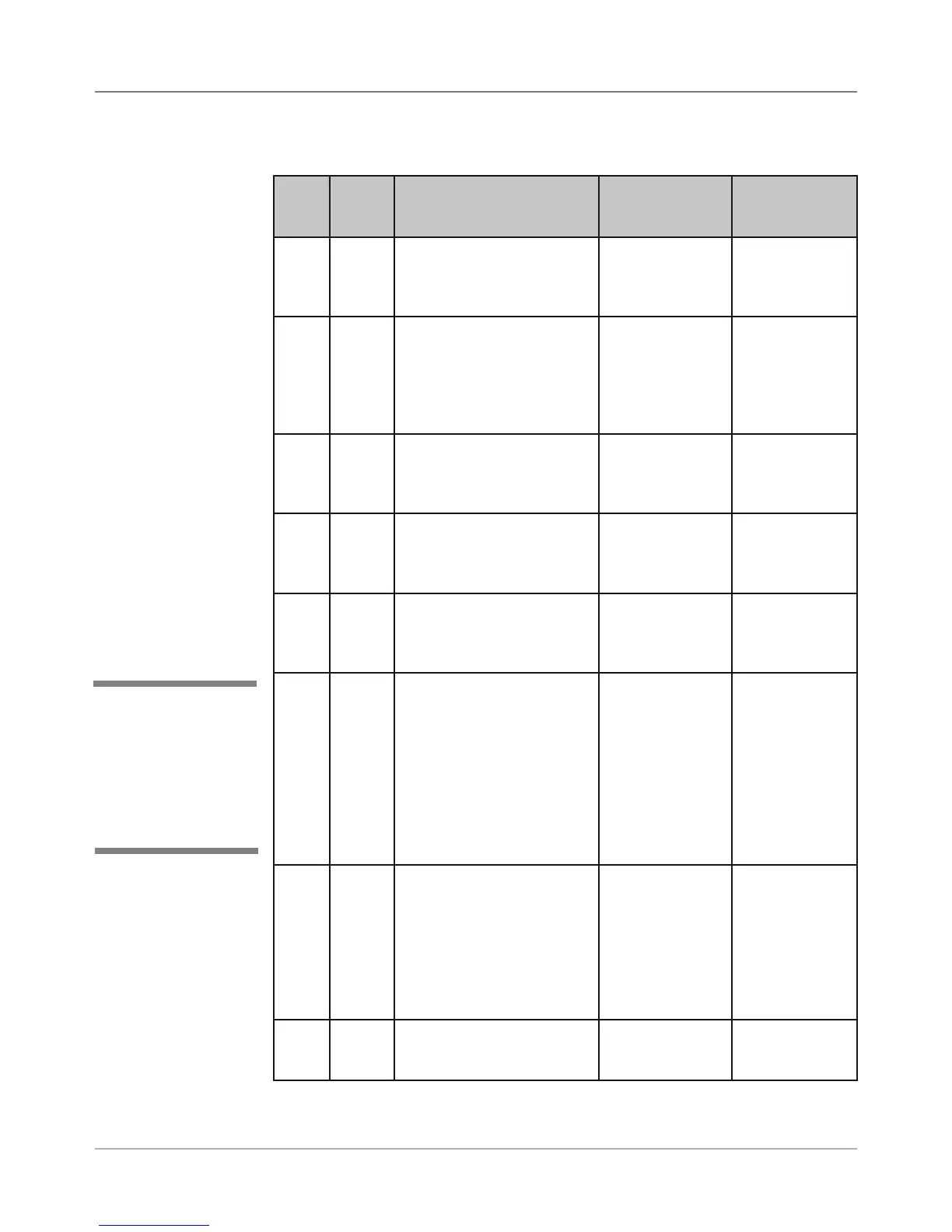
Table 4-2 Main Board LED Designations
4.2 Main
Controller
Board
Diagnostics
✍
TIP: See Appendix B
- Printer Communica-
tions, for troubleshoot-
ing problems relating to
networking and printer
communications.



 To Next Page