4-1
SV62276 Rev. D
4 • Printing Options
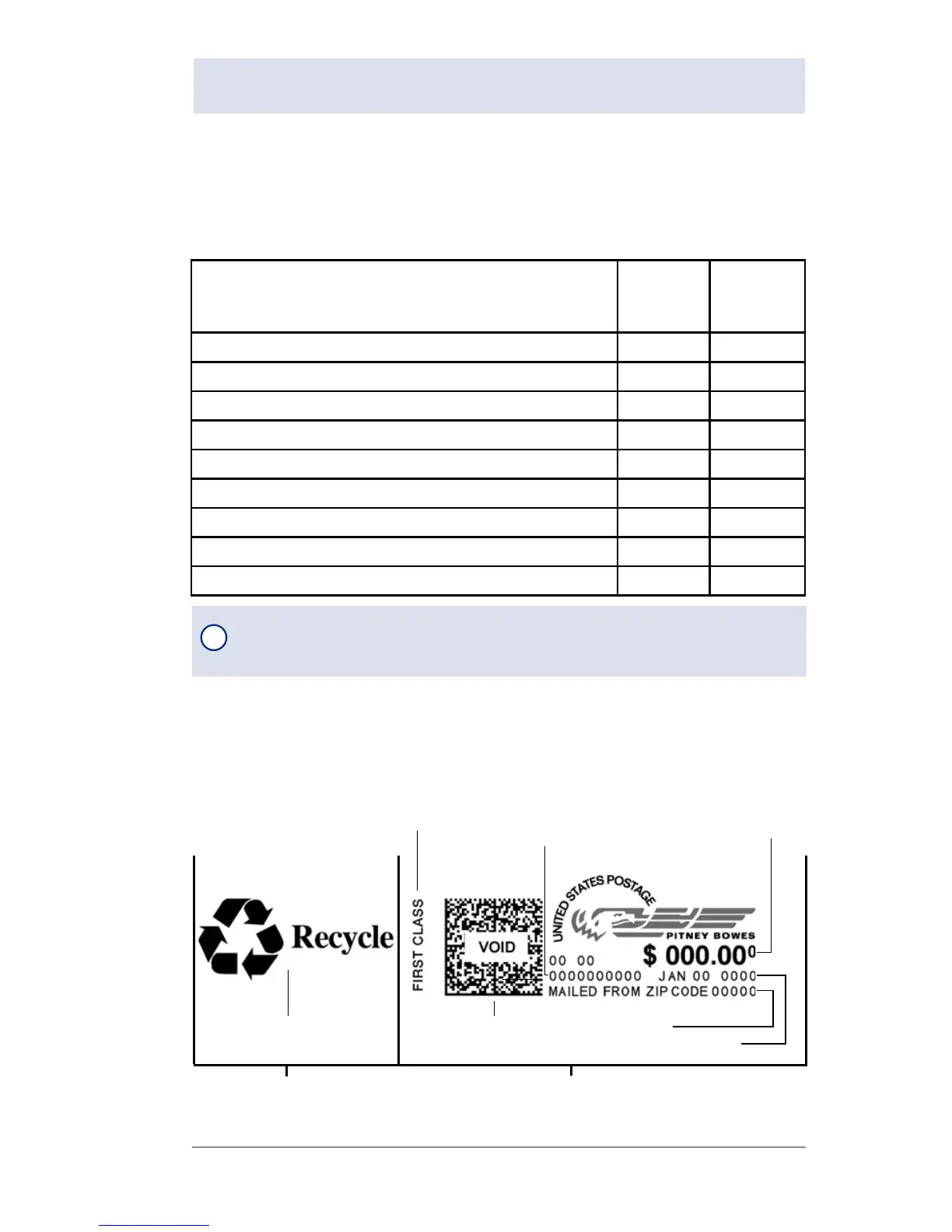
Sections of the Meter Stamp
These are the sections that make up the meter stamp printed on
your mail piece.
Printing Options Overview
There are various printing options available when processing mail
through your machine. Refer to the table below.
Printing Option
Used for
Outgoing
Mail
Used for
Incoming
Mail
Print a normal meter stamp (postage indicia) X
Manually changing printed date for meter stamp X
Bypass all printing and only seal the envelope X
Omit day or date when printing a meter stamp X
Add a postal inscription to the meter stamp X
Add an envelope advertisement to the meter stamp X
Adjust horizontal print position of the meter stamp X
Print the time and date only (no meter stamp) X
Print an ad, time and date only (no meter stamp) X
Envelope Ad
Datamatrix
Barcode
Postage Value
Applied
Optional Printing Required Printing
Meter Serial
Number
Inscription*
Date
*required only for certain classes of mail
ZIP Code
Origination
i
NOTE: Topic headings in this manual that refer to a PC Meter
Connect™ Enhanced feature will be listed in green text.













 To Next Page