5-9
5 • Normal and Custom Presets
SV62276 Rev. D
Viewing the Values of a Custom Preset
At a PC Using PC Meter Connect™ (Enhanced Version)
1. Select the My Meter tab.
2. Click Meter Settings.
3. Click on "View Preset".
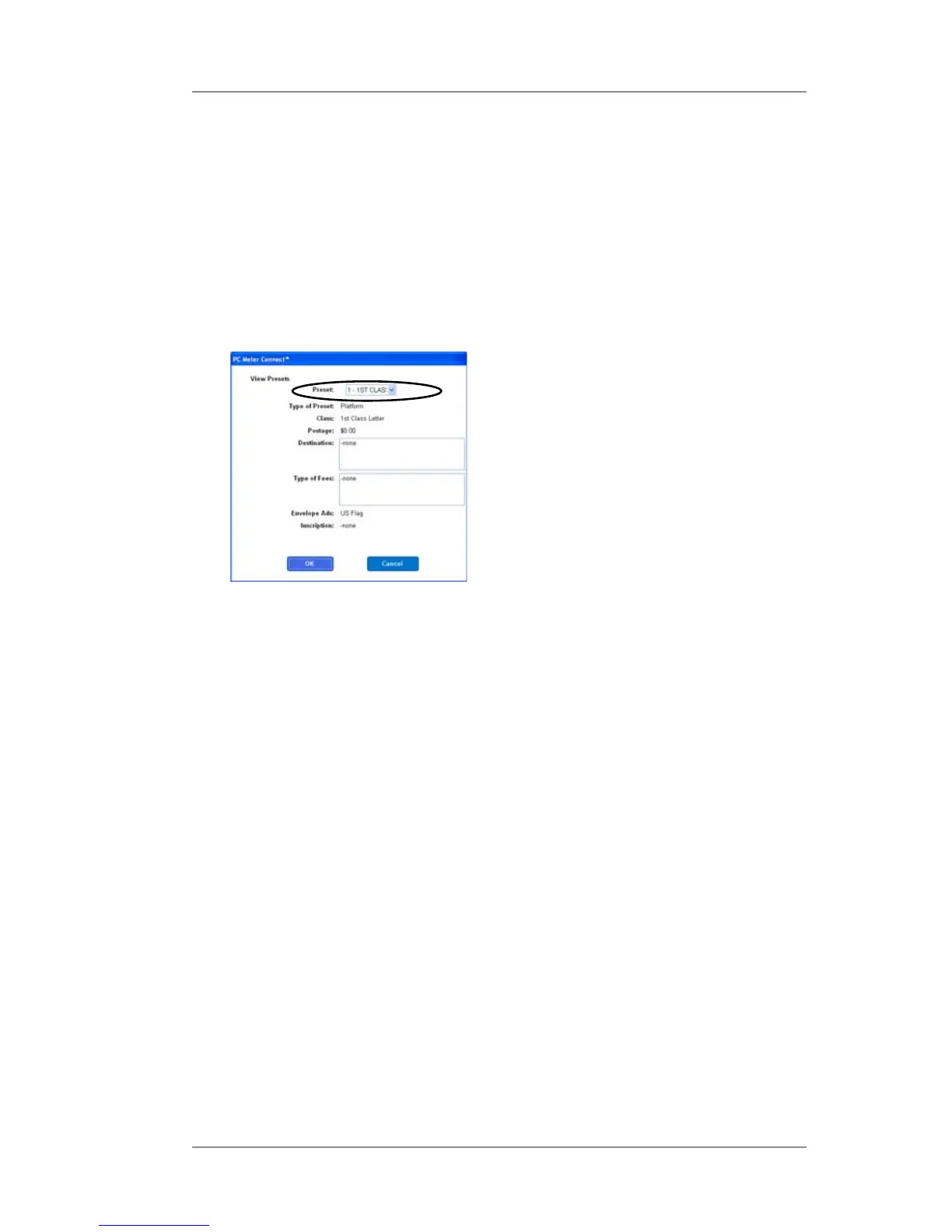
4. At the Preset field, use the dropdown menu to select the preset
desired.
5. Click OK (to accept the new choice) or Cancel (to leave the old
choice).
Custom Presets
View Presets Screen from
PC Meter Connect™













 To Next Page