4-5
4 • Printing Options
SV62276 Rev. D
Bypass All Printing and Only Seal the Envelope
If using the moistener with pre-addressed envelopes, you can set up
your mailing system to seal envelopes with out printing a meter stamp
on them.
1. Press Print Menu.
2. Select "Seal Only".
PRINT MENU
◄Seal Only
◄Date & Time Only
◄Ad Only
The "Seal Only- No Printing" screen ap pears.
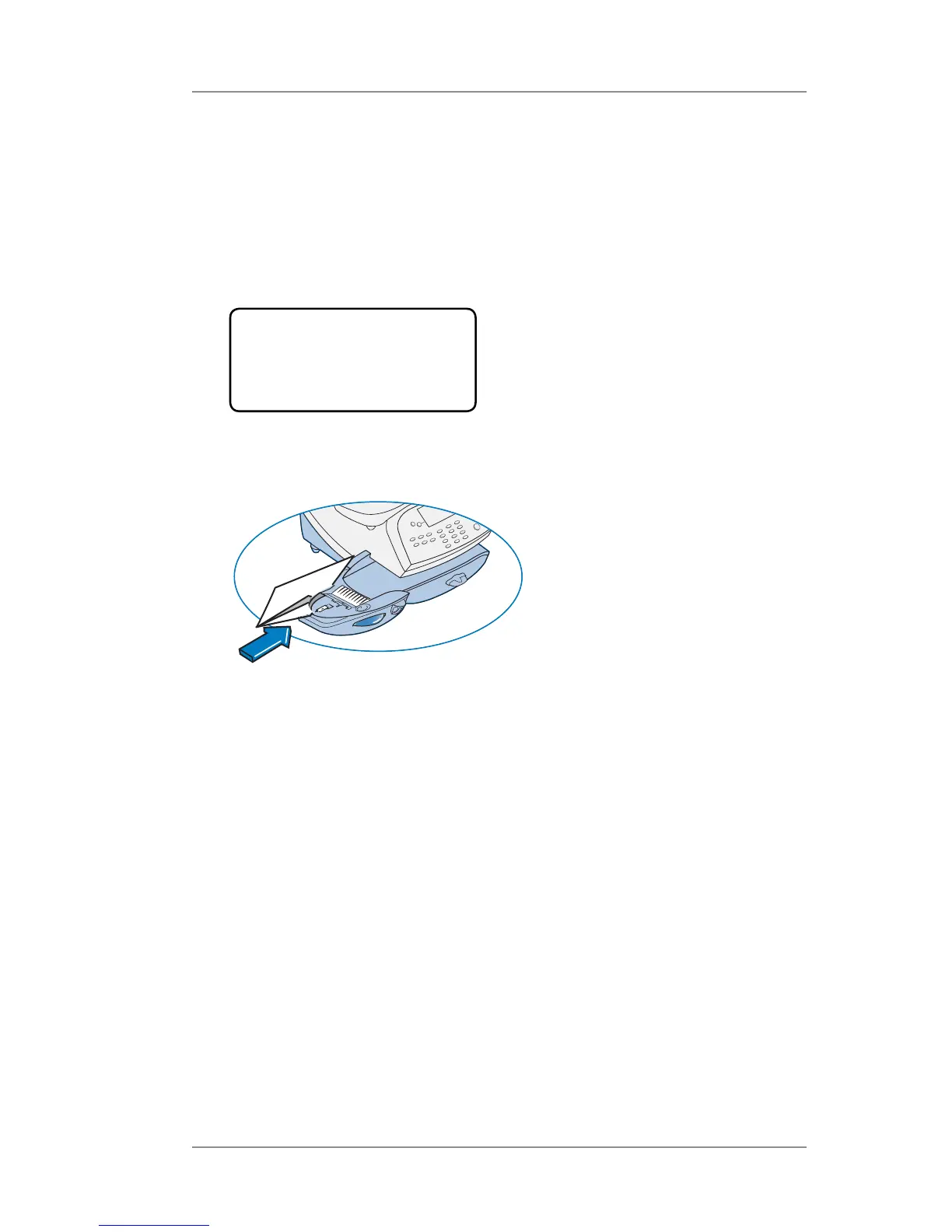
3. Place flap along moistener and move towards the right.
4. Slide the envelope to the right until the sys tem takes hold of it.
The system seals and ejects the piece.
5. Select “Exit Seal Only” when finished to return to the Home
screen.













 To Next Page