4-9
4 • Printing Options
SV62276 Rev. D
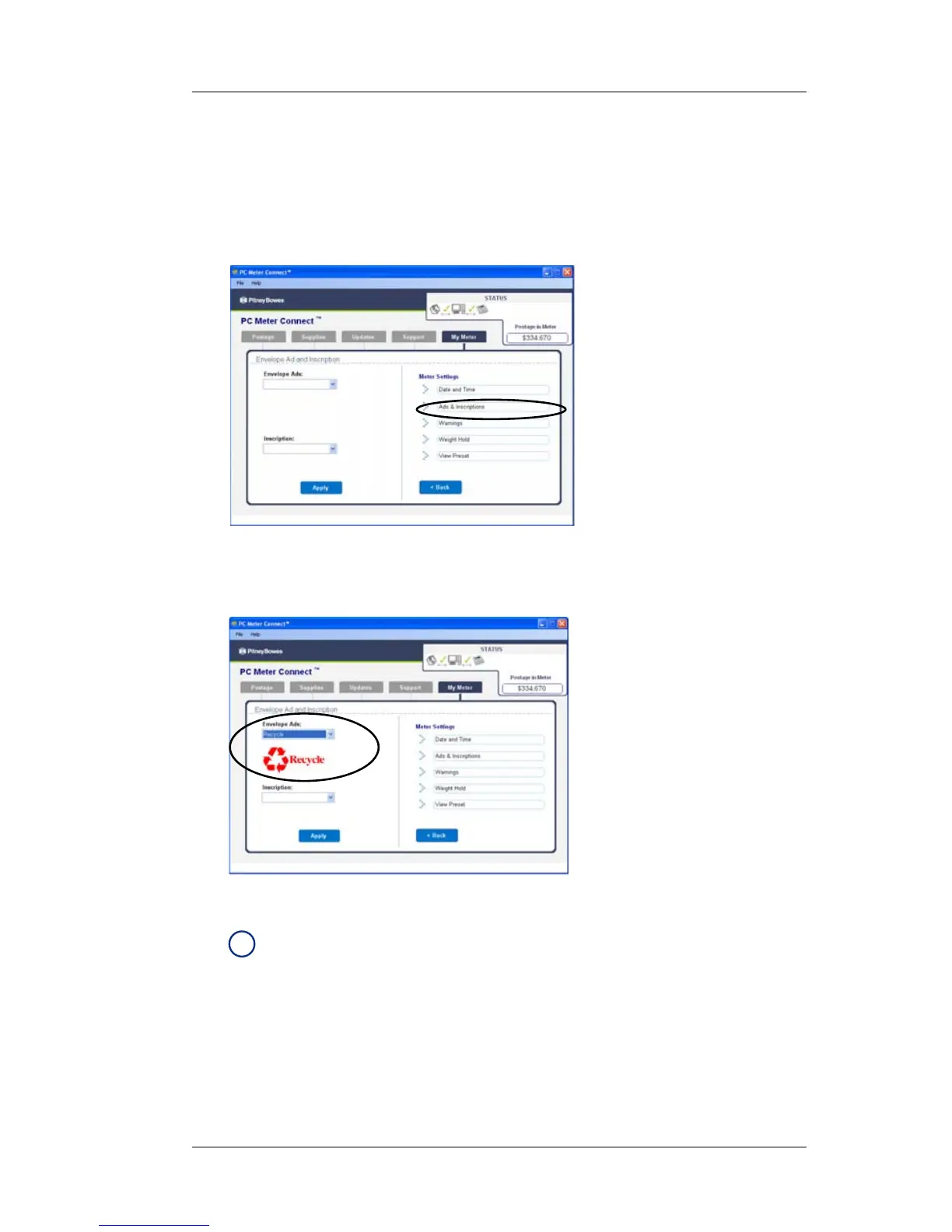
At a PC Using PC Meter Connect™ (Enhanced Version)
1. At the My Meter tab, select Meter Settings.
2. Select Ads & Inscriptions.
3. In the Envelope Ads field, use the dropdown list to select the
desired Ad, or select the blank option to remove an ad. If you've
chosen an ad, the ad displays on the screen.
4. Click Apply.
i
NOTE: The machine must be at the "Home" screen before
the changes can be applied.
Adding/Removing an Envelope Ad to the Meter Stamp













 To Next Page