7-3
7 • System Options
SV62276 Rev. D
At PC Using PC Meter Connect™ (Enhanced Version)
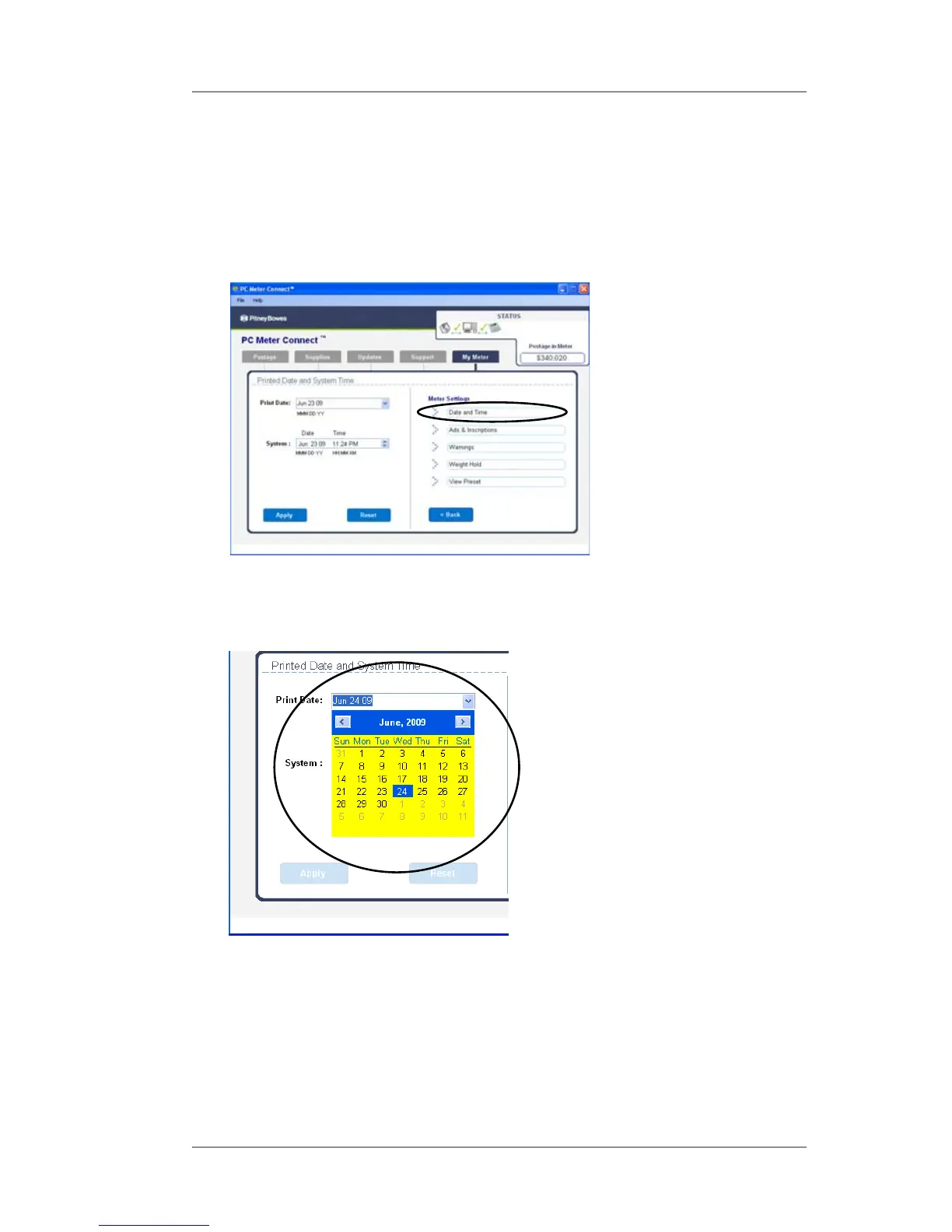
1. At the My Meter tab, select Meter Settings.
2. Select Date and Time.
4. Click Apply. A confirmation screen displays the new date. Click OK.
5. To set the date on your mail back to the current date, repeat
steps 1-4 and select today's date.
3. In the Print Date field, access the dropdown calendar. Use the <
or > keys to select the month, then click on the day you want to
print on your meter stamp.
Basic Options
Advancing the Printed Date for the Meter Stamp (cont'd)













 To Next Page