FIG-2
FIG-1
FIG-3
FIG-4
33
ELECTRONICS
USER INTERFACE PARAMETERS
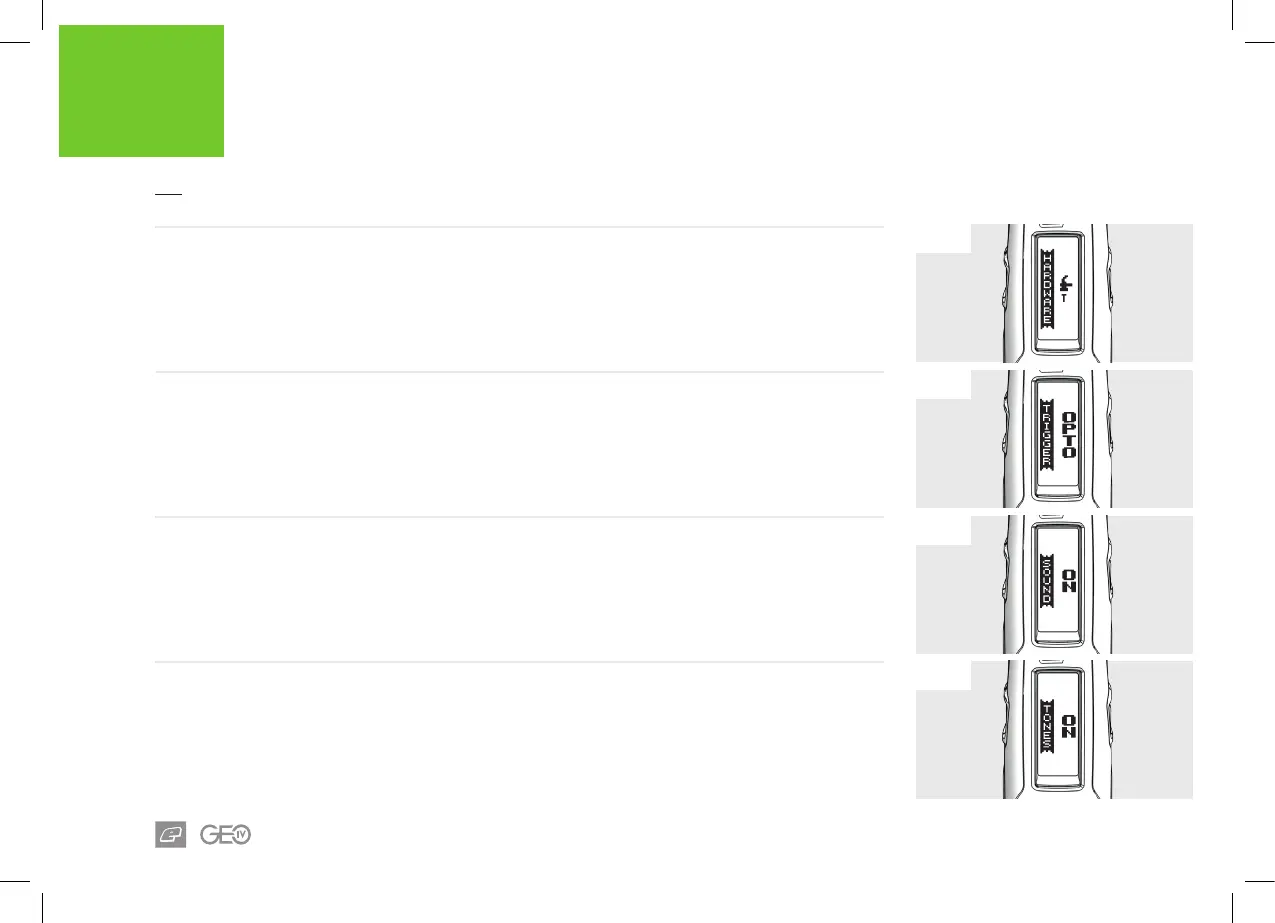
FIG-1 - HARDWARE MENU
The HARDWARE menu contains items that are used to control the marker's electronic hardware.
FIG-2 - TRIGGER PARAMETER
This allows the user to select their trigger detection
system preference.
OPTO is the factory default selection.
> OPTO: Opto-Electronic trigger pull sensor.
> SWITCH: Microswitch trigger pull detection.
> CANCEL: Editing is cancelled and unchanged.
FIG-3 - SOUND PARAMETER
Used to enable sound.
> ON: Sound enabled.
> OFF: Sound disabled.
FIG-4 - CLICK TONE PARAMETER
Pushbutton tones can be independently disabled.
This item is only available if the SOUND parameter
is set to ON.
> ON: Tones enabled.
> OFF: Tones disabled.














 To Next Page