User’s Manual of WNRT-300
-21-
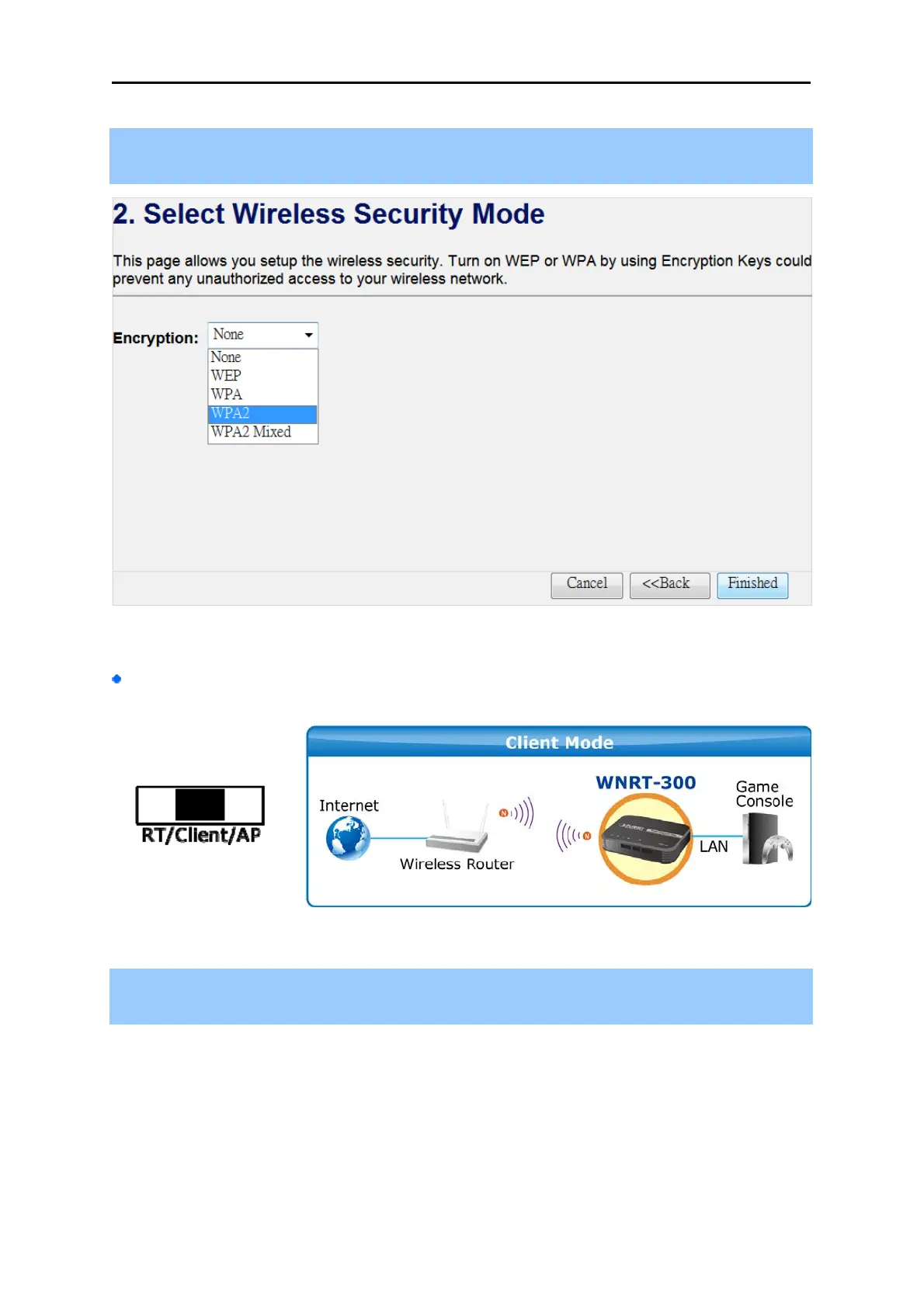
Step 3. Please select the wireless security mode, and setup the password for wireless connection.
Then click the “Finished” button to save the settings and reboot to take effect.
Figure 4-6
Client Mode
Step 1. The figure below is the screen of the Setup Wizard in Client Mode. Please click the
“Next>>” button to continue.



 To Next Page