2
20
Mini-101U
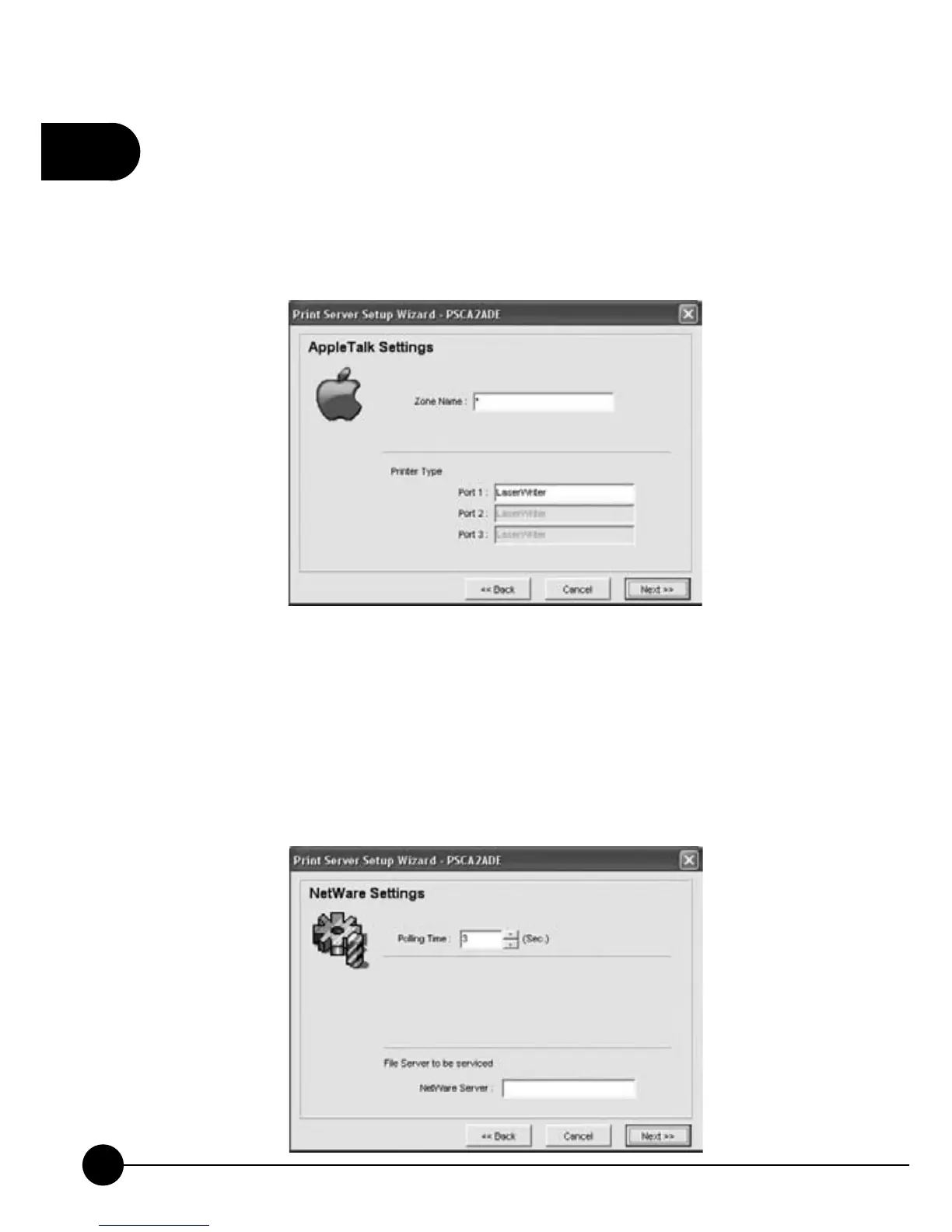
9.When configuring AppleTalk, if you cannot be sure about theņZone
NameŇof AppleTalk, you can fill in the blank withņ*Ňor specified
your AppleTalk Zone. The Printer Type Port 1 shows the type of the
printer which connecting to the Mini-101U print server. ClickņNextŇto
continue setting up.
10.ņPolling TimeŇfunction can be set to inquire the status of the NetWare
Server on the network every period of time. You can set the Polling
Time interval for several seconds.ņNetWare ServerŇblankintheņ
File Server to be servicedŇcolumn can be filled in the Print Server
Name showing in the NetWare Tree for Mini-101U Print Server. Click
ņNextŇto continue setting up.



 To Next Page