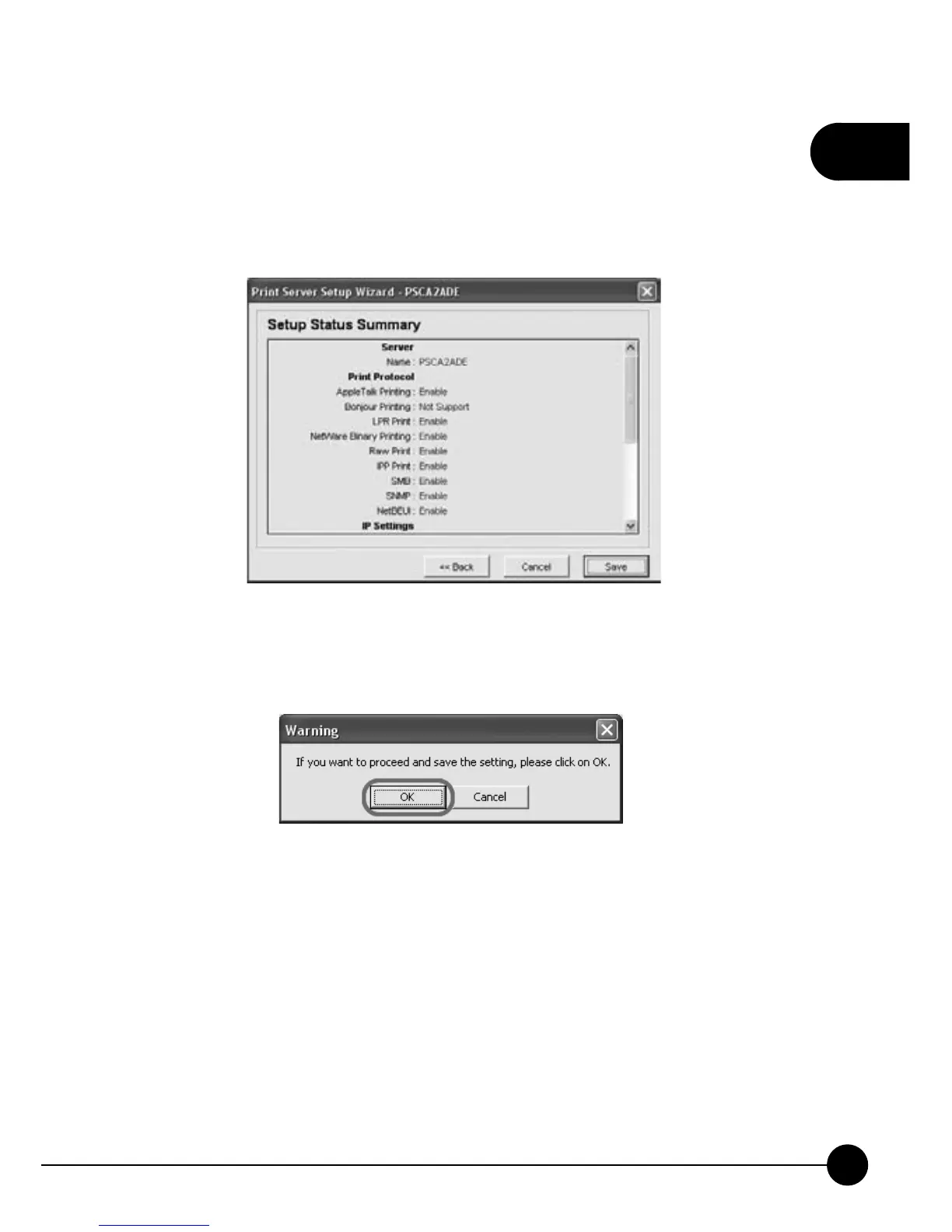
11.Print Server Setup Wizard will show you all the setting you just
configured and if the settings are correct, clickņSave.ŇIf you want to
change any settings, you can clickņBackŇto go back to the previous
setting pages, or clickņCancelŇand set it up later.
12.After clickingņSave,Ňit will show the following warning at once. If
you want to proceed and save the settings, you may clickņOKŇ.



 To Next Page