2
22
Mini-101U
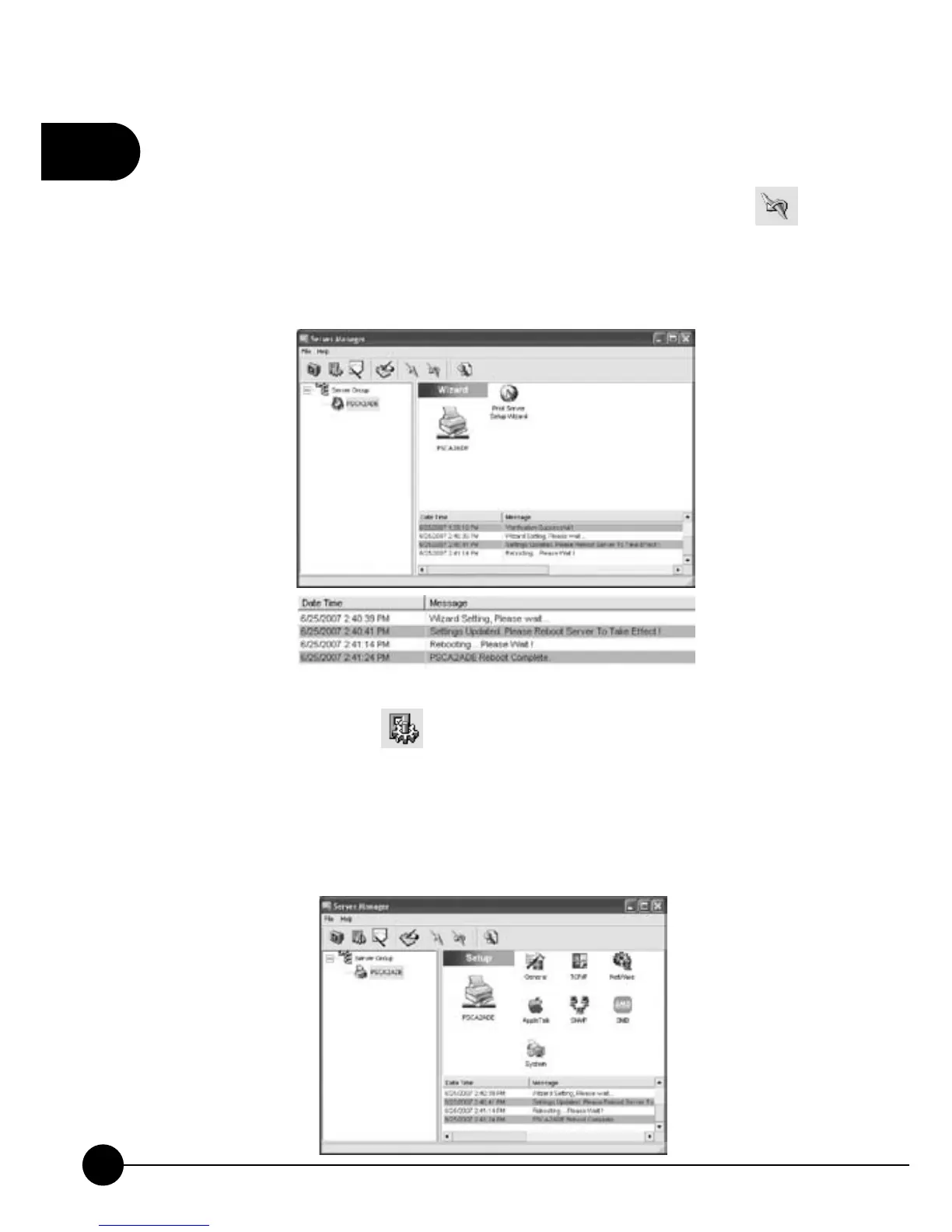
13.After clickingņOK,Ňit will go back to the main page and will show
you the message ofņSettings Updated. Please Reboot Server To
Take Effect!ŇAt that time, you have to click the reboot icon
on
the task bar to reboot the print server. During rebooting, please DO NOT
turn off the power or set up other things. After restarting, the message
will show at the lower right corner of the main page.
14.If you want to change any settings of the print server which you set
before, you can click
icon. The right side of the window will show
you all kinds of settings and you can choose a setting to set up according
to your needs. But before you start changing the settings, it will ask you
to enter the User Name and the Password. Key inņadminŇas the User
Name andņ0000Ňas the Password, and you may start setting up the
print server.



 To Next Page