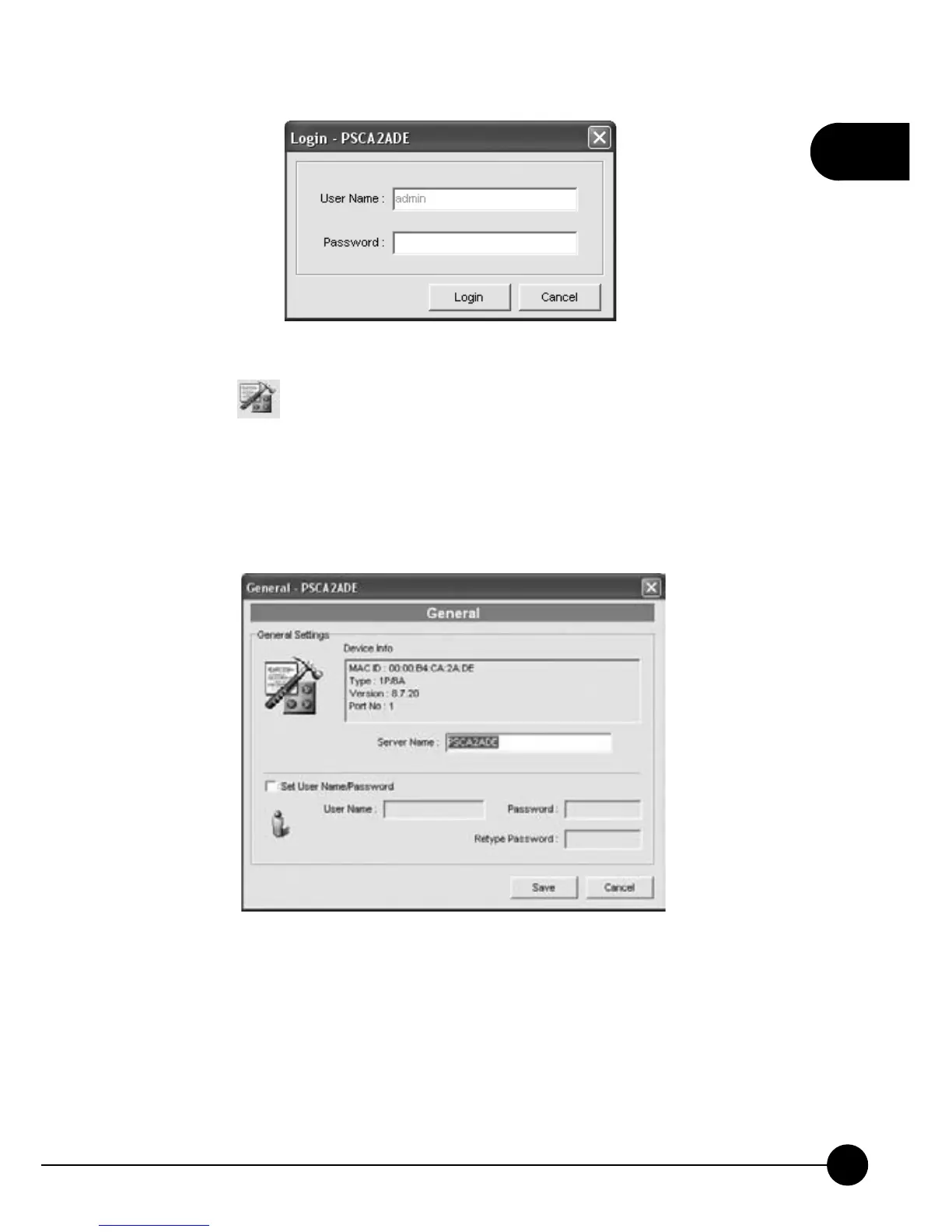
15.Click the icon on the Setup page, it will show you the information
about the device which you are using now. And you can change the
Server Name or put a check in theņSet User Name/PasswordŇ
checkbox to change the password of the admin (Server Manager). Click
ņSaveŇto activate the settings.



 To Next Page