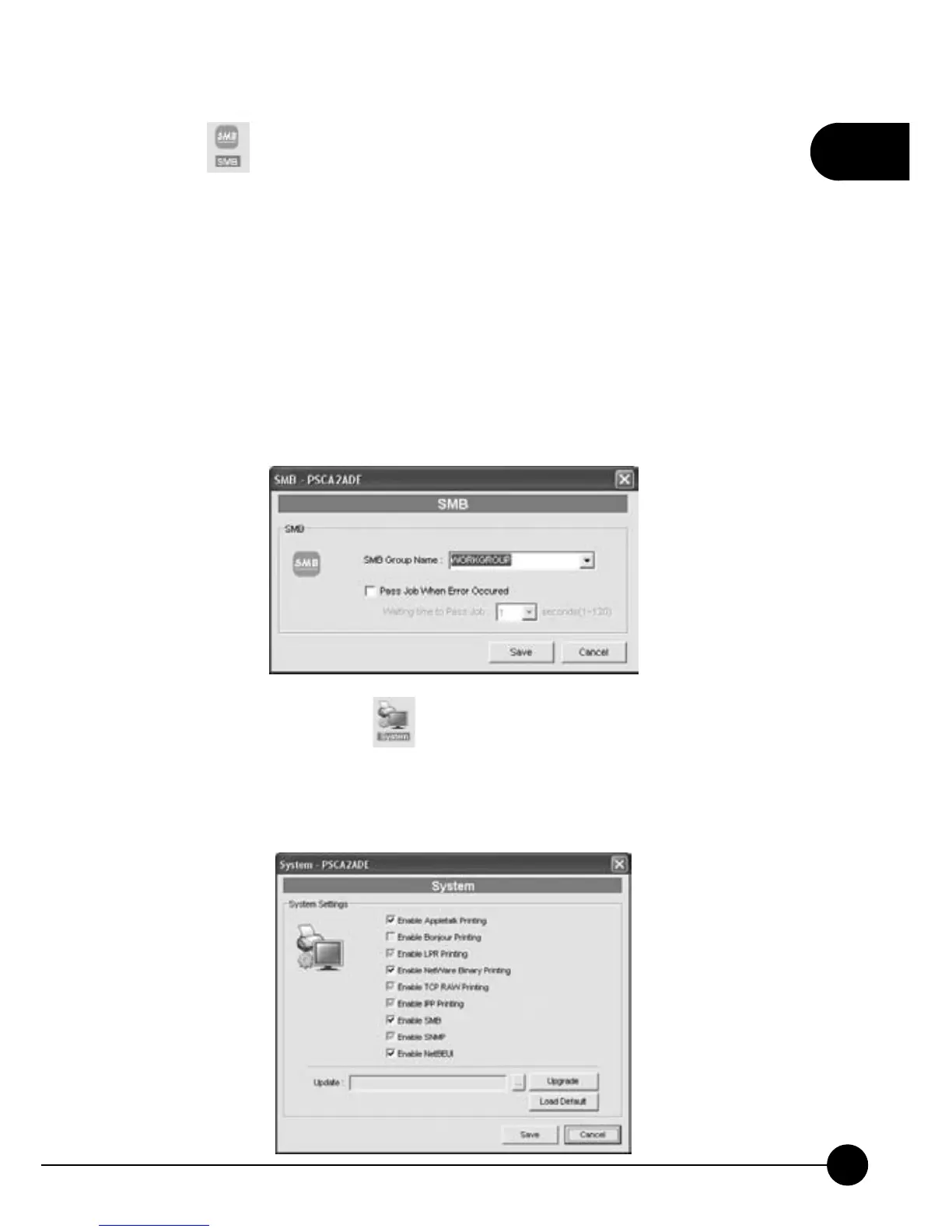
20.Click . M ini-101U Print S erver supports SMB (Server Message
Block) protocol; users can send printing jobs through the Network
Neighborhood without installing any drivers of the print servers.ņSMB
Group NameŇcan let you choose a group name on the Network
Neighborhood for the print server. Windows can identify the print
servers on the network through their names, so please choose the Group
Name according to the LAN which you belongs to. You can also check
the ņPass Job When Error OccurredŇcheckbox, and set the interval
of ņWaiting time to Pass JobŇto prevent printer no response when
the printer or network connection fail.
21.On the upper page of
settings you can choose the printing
protocols which you need, and cancel the check in the checkbox if you
do not want to use certain kinds of protocols. At the bottom of the page,
includingņUpgradeŇandņLoad DefaultŇfunctions.



 To Next Page