2
28
Mini-101U
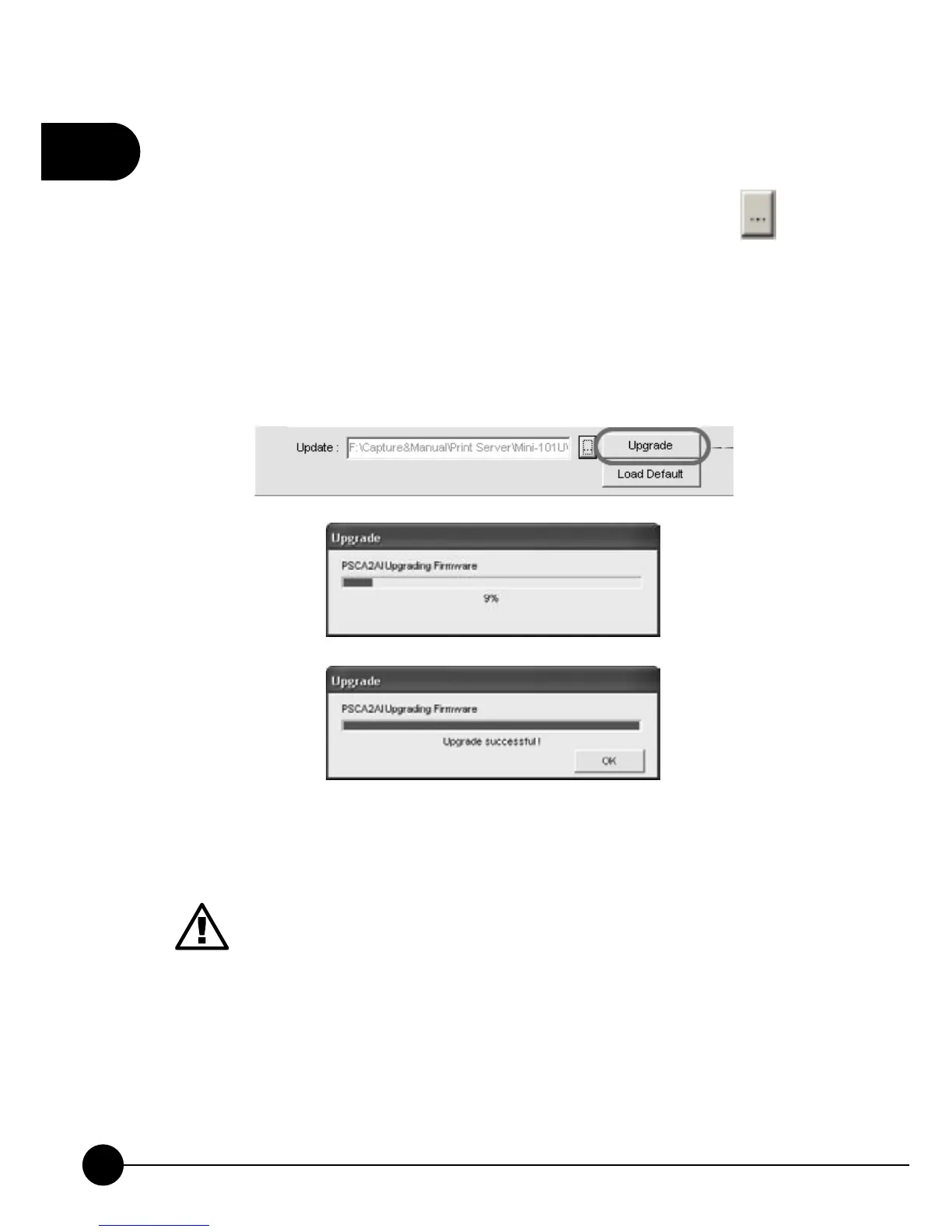
22.If you want to update firmware, p lease go to P lanex Communication
Inc. website: http://www.planex.net to find the suitable version of
firmware, and download it to your computer. After that, click
icon
to browse the files and find the latest firmware file you've downloaded.
After finding the firmware file, please clickņUpgradeŇto start
firmware upgrading. During upgrading, please DO NOT cut off the
power to avoid failing of upgrading. When upgrading complete, you
may clickņOKŇto go back to the main page.
1.If upgrading the wrong firmware or upgrading failure might
both damage Mini-101U. And these kinds of problems will be
considered as operation error and we must charge a service fee.
2.Please DO NOT cut off the power by haphazard, or the
firmware upgrade might be failed and cause the system disorder.
Please DO NOT cut off the power or close the upgrading
program until the system notify that the system upgrading
successful.



 To Next Page