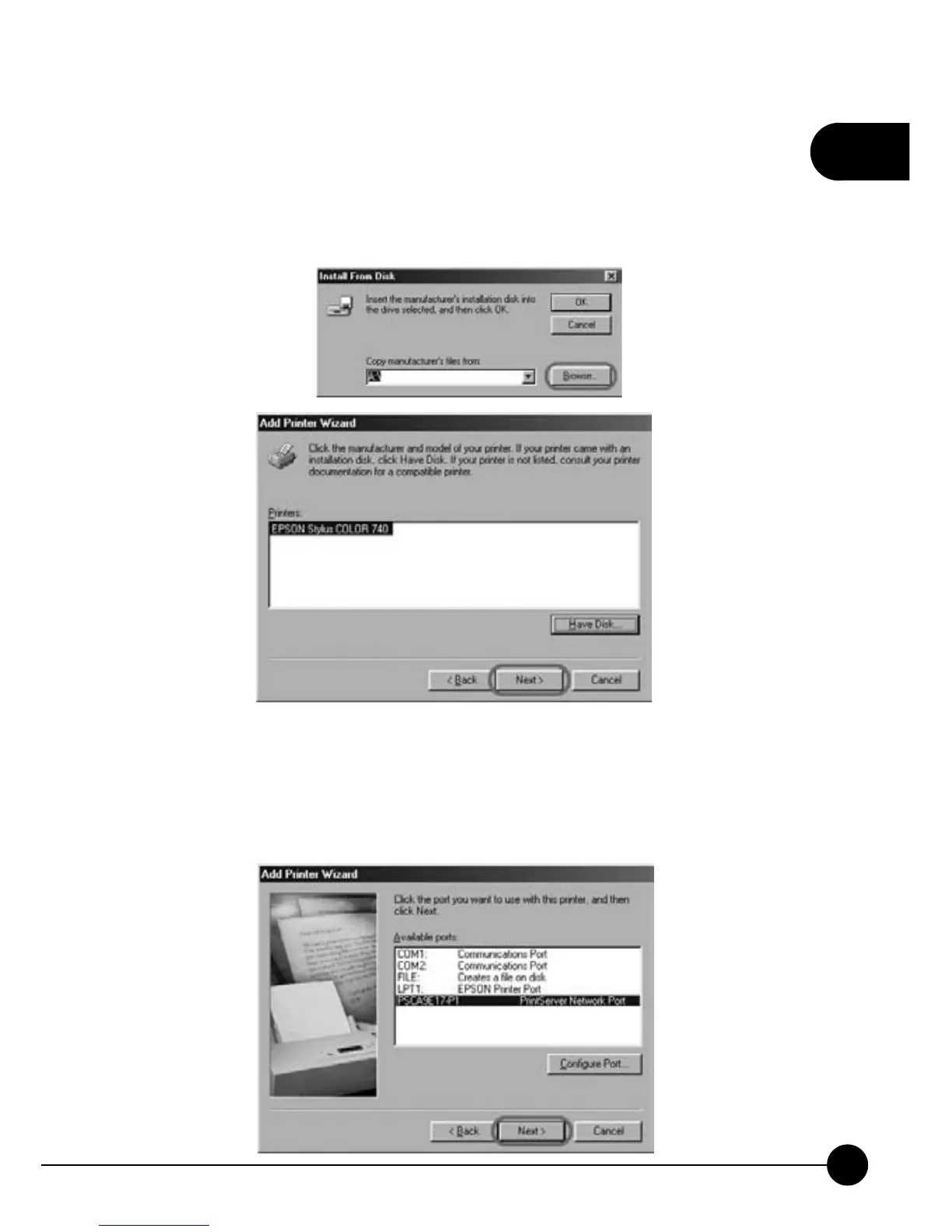
5.If you clickņHave diskĀ,Ňyou will have to clickņBrowseĀŇ
to find the folder which has the printer's driver. After making sure of
the manufacture and the printer's model name, please clickņNextŇto
continue adding the printer.
6.After installing the driver for the printer, Windows98 will as you to
choose the printer port type. Please chooseņPSxxxxxx-P1Ň(xxxxxx is
the last 6 digit of your print server's MAC ID). ClickņNextŇto go to
the next step.



 To Next Page