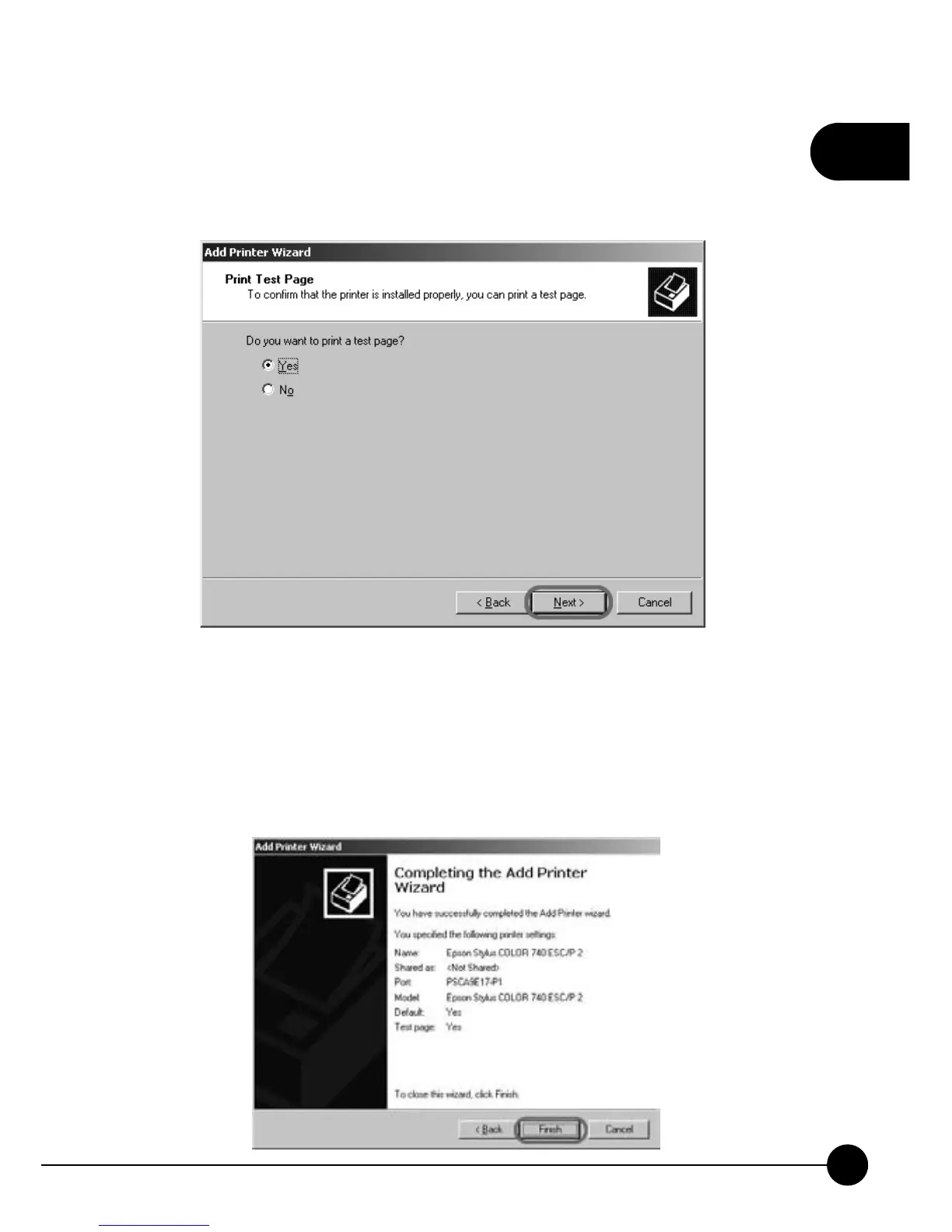
10.The Wizard will ask you if you want to print a test page. You can click
ņYes Ňhere and start printing, or clickņNoŇto print a test page later.
ClickņNextŇto finish adding a new printer.
11.The system will automatically complete adding the printer and show
the information as follows. The new printer port already became
ņPSxxxxxx-P1Ň(xxxxxx is the last 6 digit of print serverŅs MAC
ID). After checking the information below, please clickņFinishŇto
exit the Add Printer Wizard.



 To Next Page