Planmeca Proline XC Panoramic X-ray 7
PROLINE XC PANORAMIC X-RAY - MAIN PARTS
User's manual
Patient supports
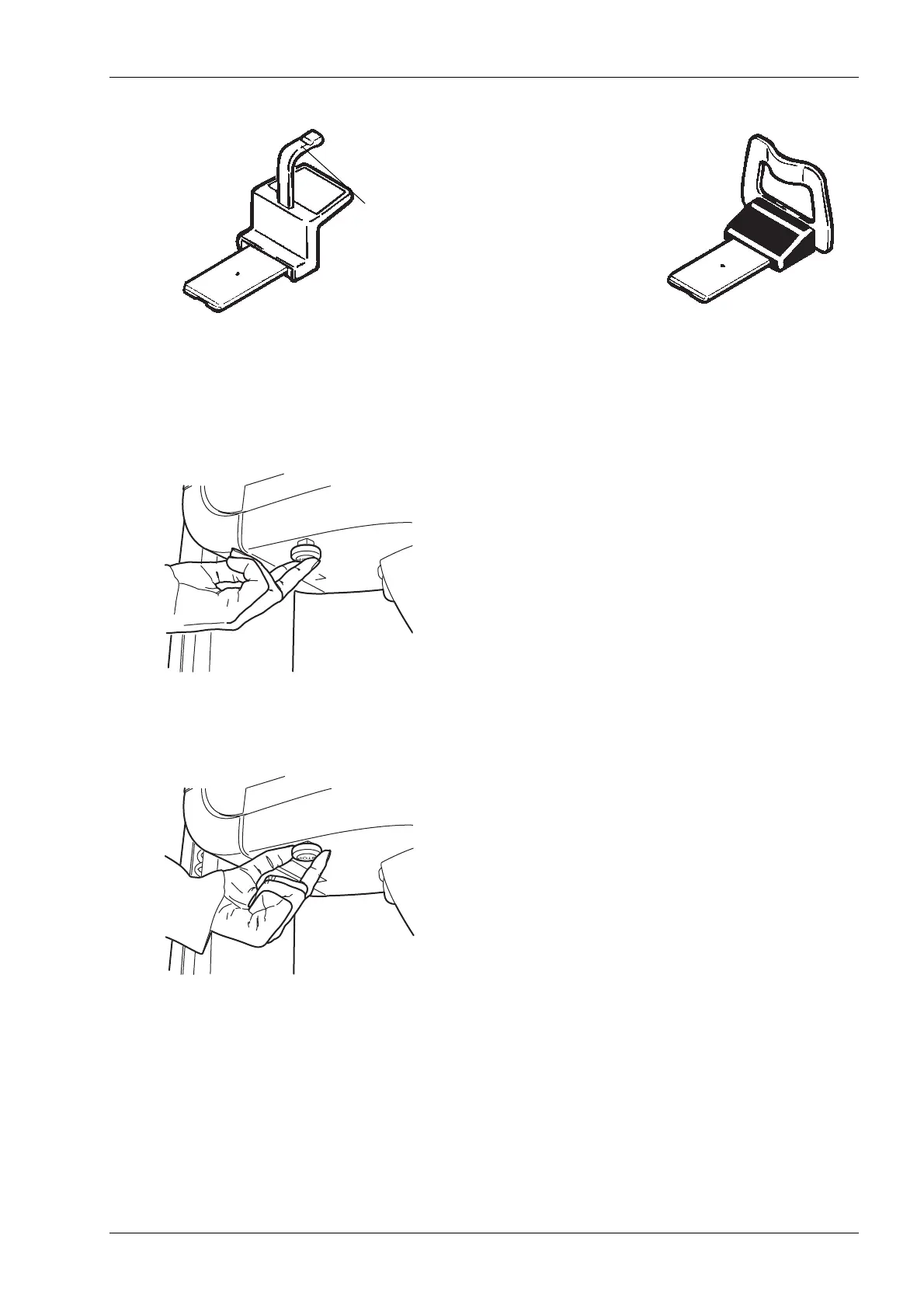
Emergency stop button
The emergency stop button is located on the
underside of the vertical carriage. Press the button to
stop the vertical carriage movement in an emergency.
The Error message Er53 will appear on the main
display. Touch OK to clear the error code from the
display and pull the stop button out to enable the unit
movement.
Chin support
Chin rest
Disposable bite piece














 To Next Page