Planmeca Proline XC Panoramic X-ray 27
GRAPHIC USER INTERFACE
User's manual
7.4.6 Autoprint settings
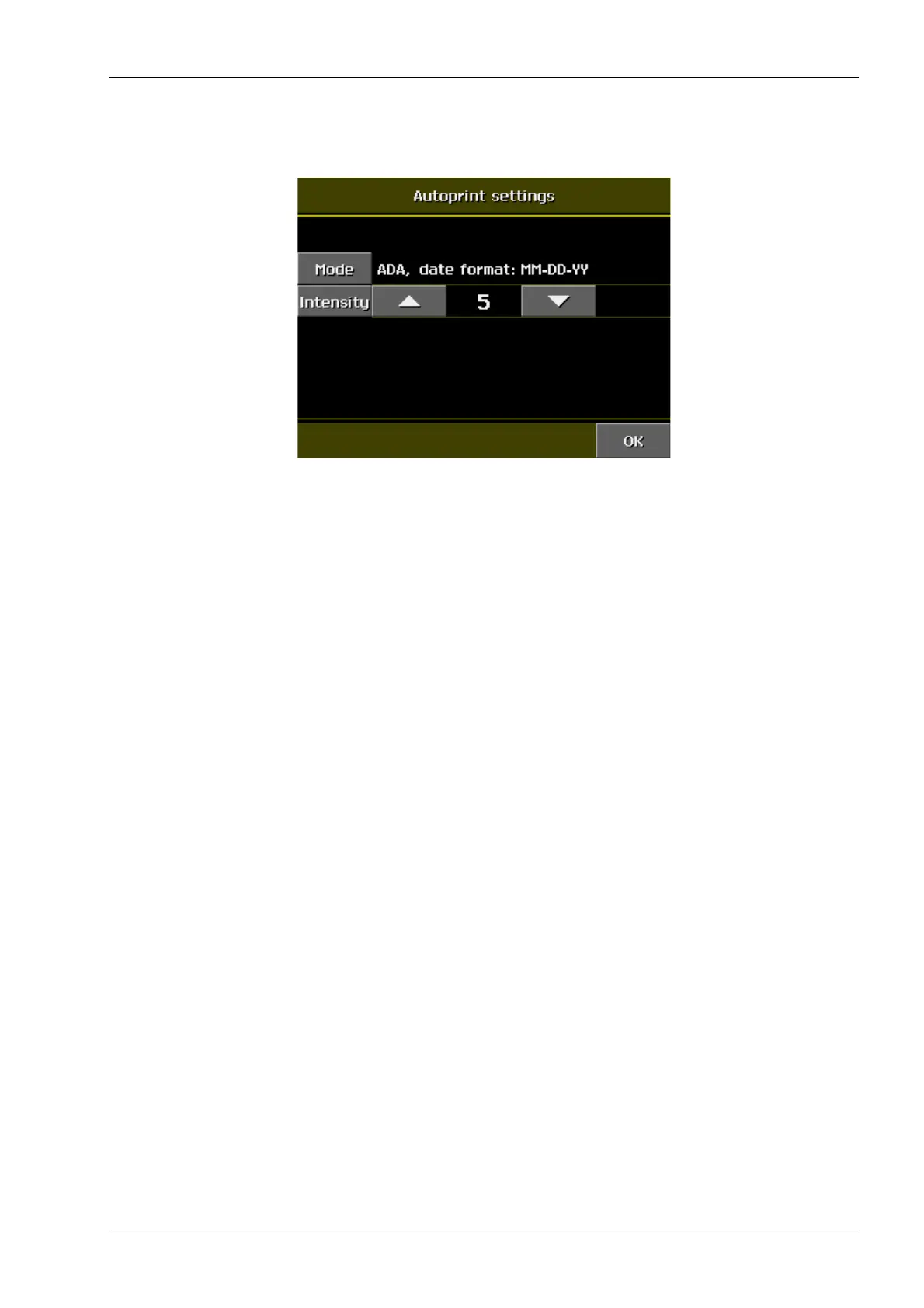
Select the Autoprint settings on the User preference
settings display. The following display appears.
The exposure serial number can be marked to the film.
Touch the Mode field to select either the ADA or ISO/
FDI orientation.
Adjust the intensity by touching the intensity arrows.














 To Next Page