GRAPHIC USER INTERFACE
26 Planmeca Proline XC Panoramic X-ray
User's manual
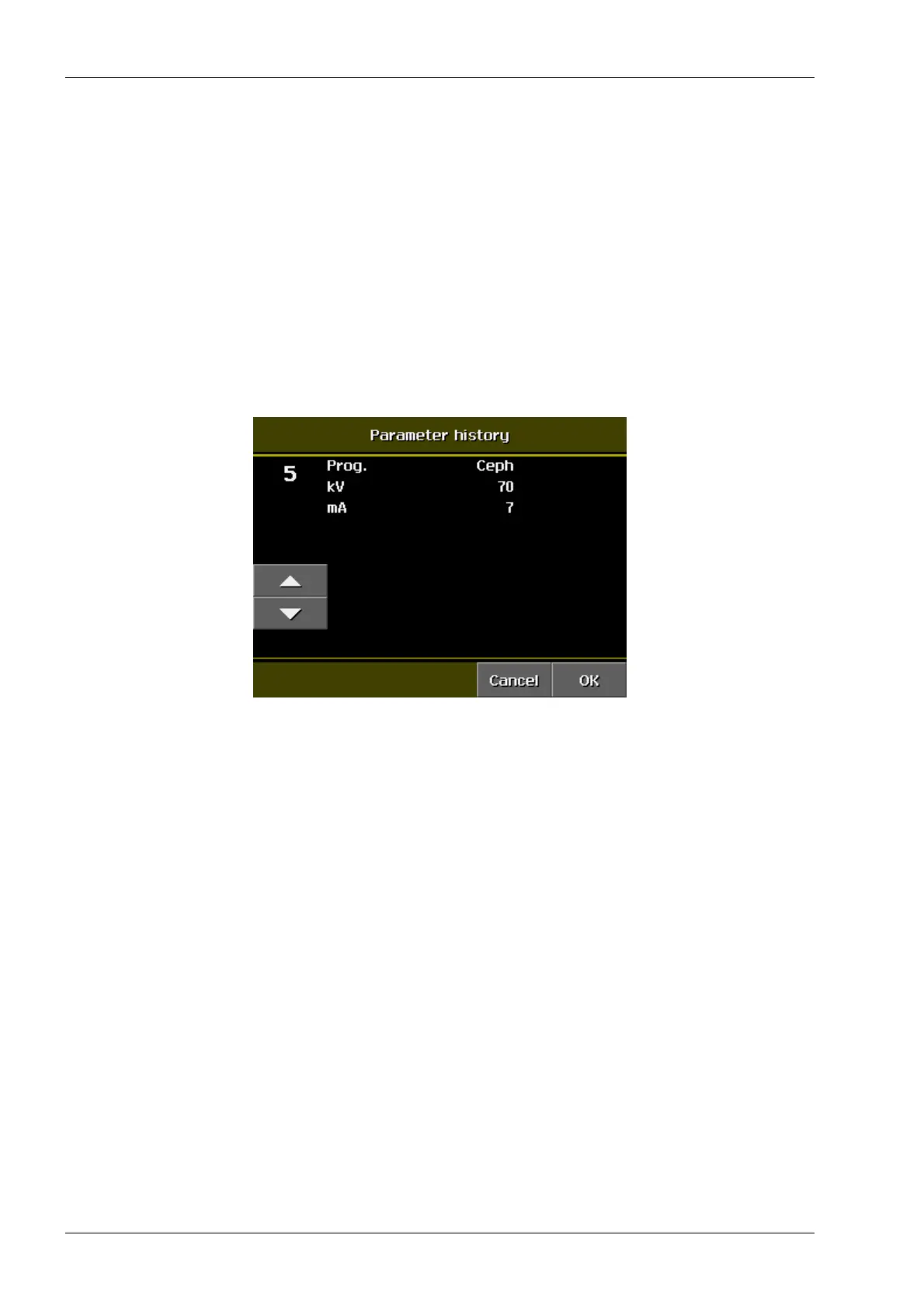
7.4.5 Parameter history
Select the Parameter history on the User preference
settings display.
The exposure settings selected for the previous 25
exposures are stored in the memory. This information
is stored in Parameter history. Touch the arrows to
scroll backwards and forwards through the memory.
Touch OK if you wish to take another exposure using
the stored settings shown on the display. The rotating
unit will move to the ready position so that the
exposure can be taken.
Touch Cancel if you do not wish to take an exposure
using the stored settings. The unit will return to the
normal mode.














 To Next Page