Planmeca Proline XC Panoramic X-ray 25
GRAPHIC USER INTERFACE
User's manual
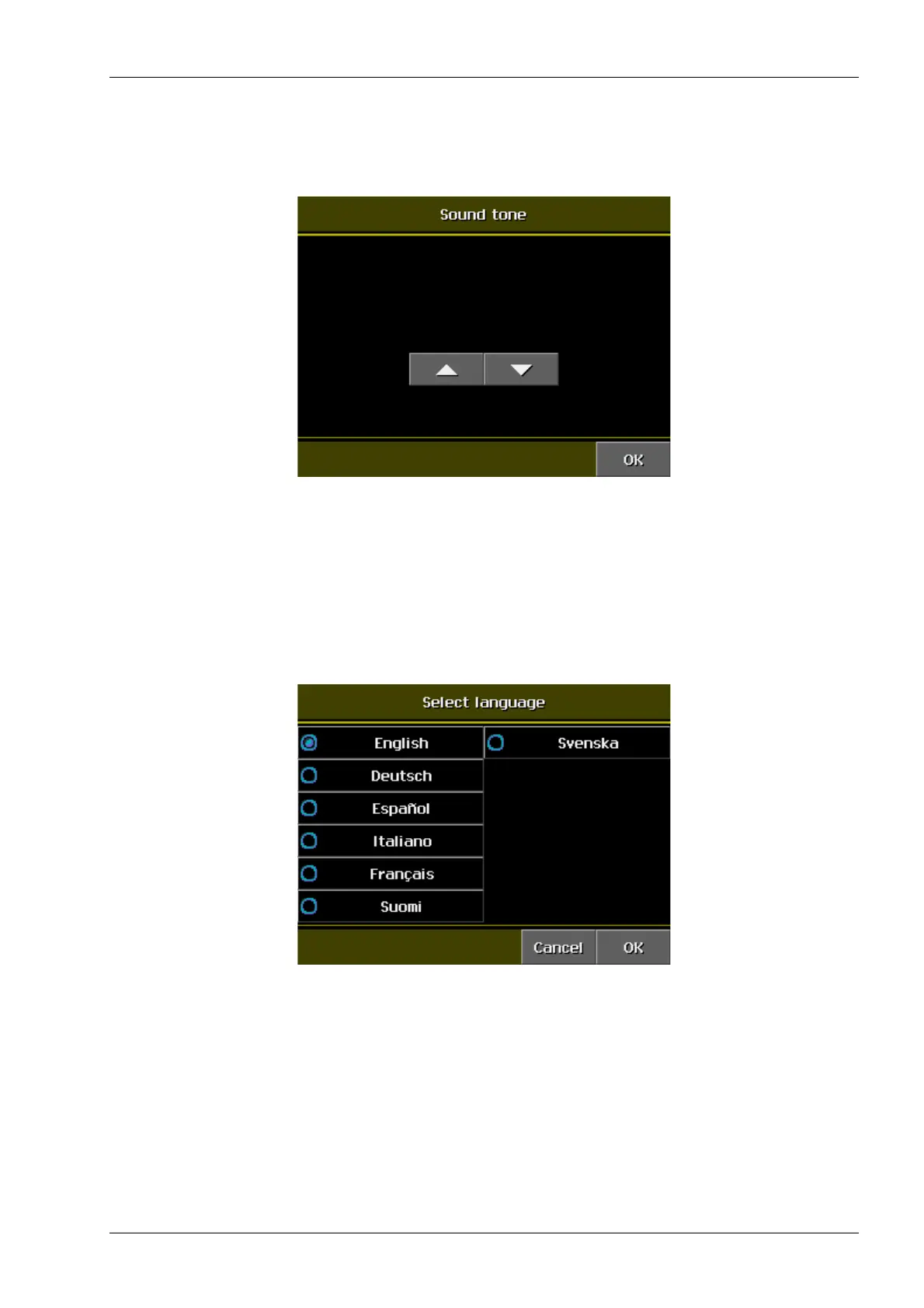
7.4.3 Sound tone
Select Sound tone on the User preference settings
display to adjust the warning sound of the radiation.
Use the arrows to adjust the warning sound volume.
Confirm your selection by touching OK.
7.4.4 Select language
Select Select language on the User preference
settings to set the desired language of the Graphic
user interface (GUI).
Confirm your selection by touching OK.














 To Next Page