TEMPOROMANDIBULAR JOINT EXPOSURE
40 Planmeca Proline XC Panoramic X-ray
User's manual
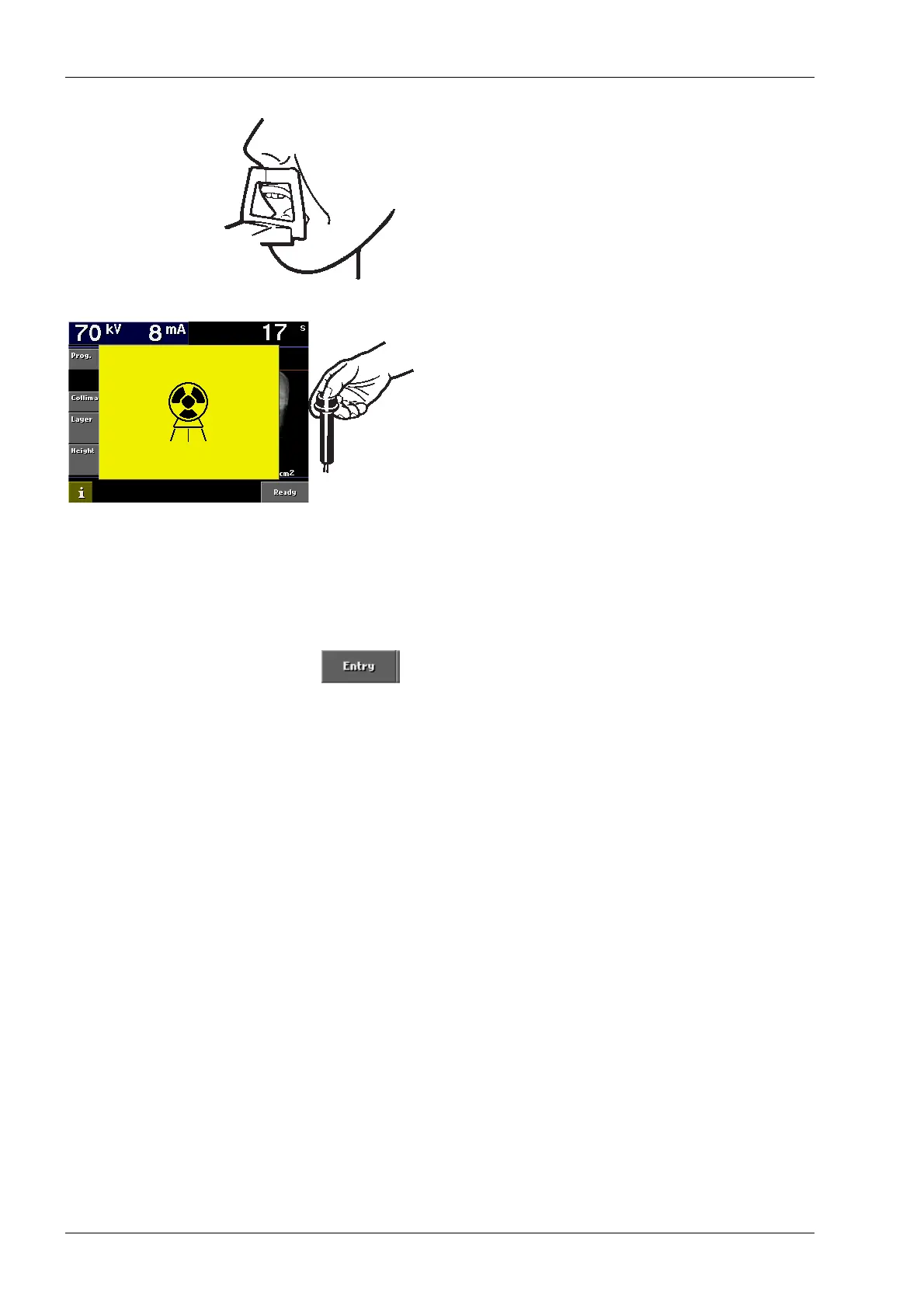
Ask the patient to open their mouth as far as possible.
Make sure that the patient’s top lip is still touching the
chin support.
Ask the patient to stand as still as possible.
Move two meters (seven feet) from the unit. Protect
yourself from unnecessary radiation.
Press and hold down the exposure button on the
remote control for the duration of the second
exposure. When the rotating assembly has completed
the second exposure cycle the temple supports will
automatically open. The patient can now be guided
from the unit.
NOTE If the automatic carriage return is activated,
see section “7.4.2 Behavioural preferences”
on page 24, the rotating assembly will return to
the ready position before the temple supports
open.
Touch the Entry field to drive the rotating assembly to
the entry position and the cassette carriage to the
loading position. This is not necessary if the cassette
carriage is set to return to the ready position
automatically.
Remove the cassette from the unit and process the
film.














 To Next Page