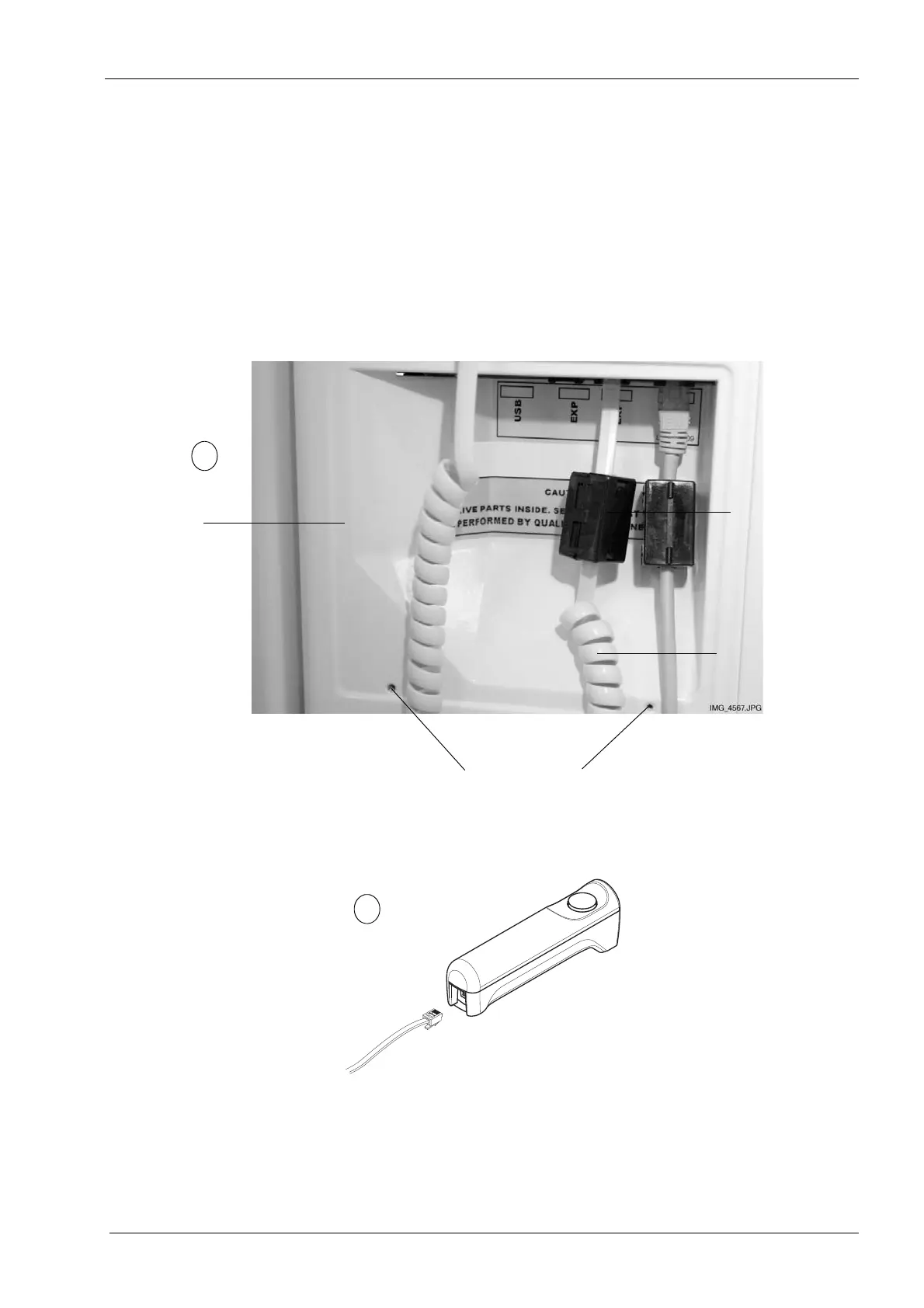
8 INSTALLING THE EXPOSURE SWITCH
Installation Manual Planmeca ProOne 31
First attach a ferrite bead (included in the delivery) to the exposure switch cable. Then
connect the exposure switch cable to either of the two terminals in the middle (marked
EXP).
Only the exposure switch cable can be connected to the terminals in the middle. Do not
connect any other cables to these terminals.
The left hand side terminal is a USB port and it is reserved for a USB memory stick. Do not
plug any other USB devices into the USB port.
Connect the other cable end to the exposure switch.
Back of
moving column
Exposure
switch cable
Screws that hold the protective cover in position
E
Ferrite bead














 To Next Page