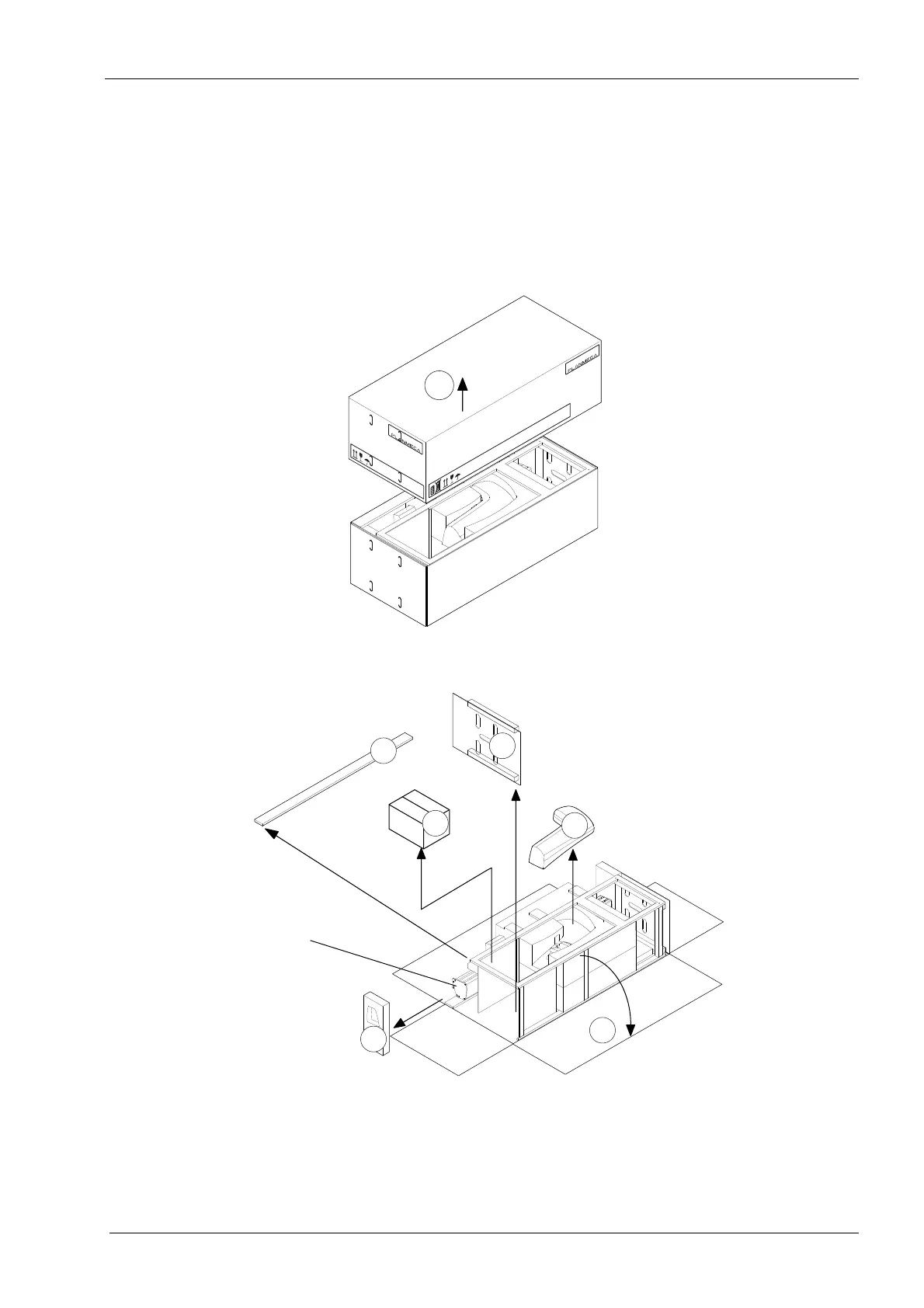
6 UNPACKING THE X-RAY UNIT
Installation Manual Planmeca ProOne 15
6 UNPACKING THE X-RAY UNIT
The edges of the cardboard box may be sharp. Use gloves when handling the cardboard
box.
1. Lift up the upper part of the package (1).
2. Fold down the side flaps (2) and remove the protective parts (3), upper arm cover (4)
and accessories carton (5).
Do not remove the support frame until the X-ray unit has been attached to the wall.













 To Next Page