Preparing for taking X-ray image
Ensure that:
• The image plate has been cleaned
• The image plate is not damaged
• The RFID tag is attached to the image plate
If the RFID tag peels off, replace the image plate.
1. If using it for the first time or if it has been stored for over a week: erase
the image plate (see section "Erasing image plate" on page 48).
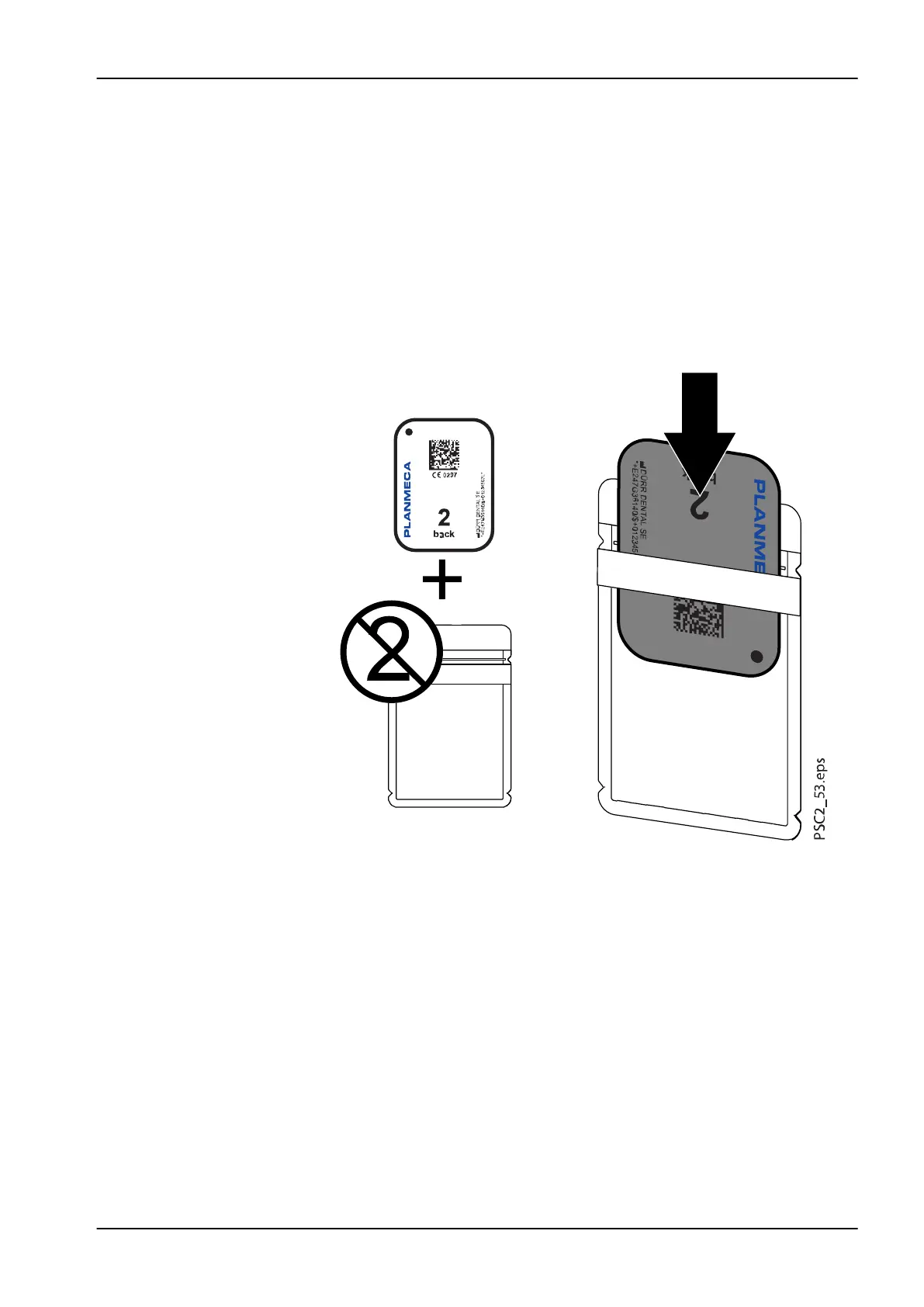
2. Completely slide the image plate into the light protection cover. The
black (inactive) side of the image plate must be visible.
4 Usage
User's manual Planmeca ProScanner 2.0 39












 To Next Page