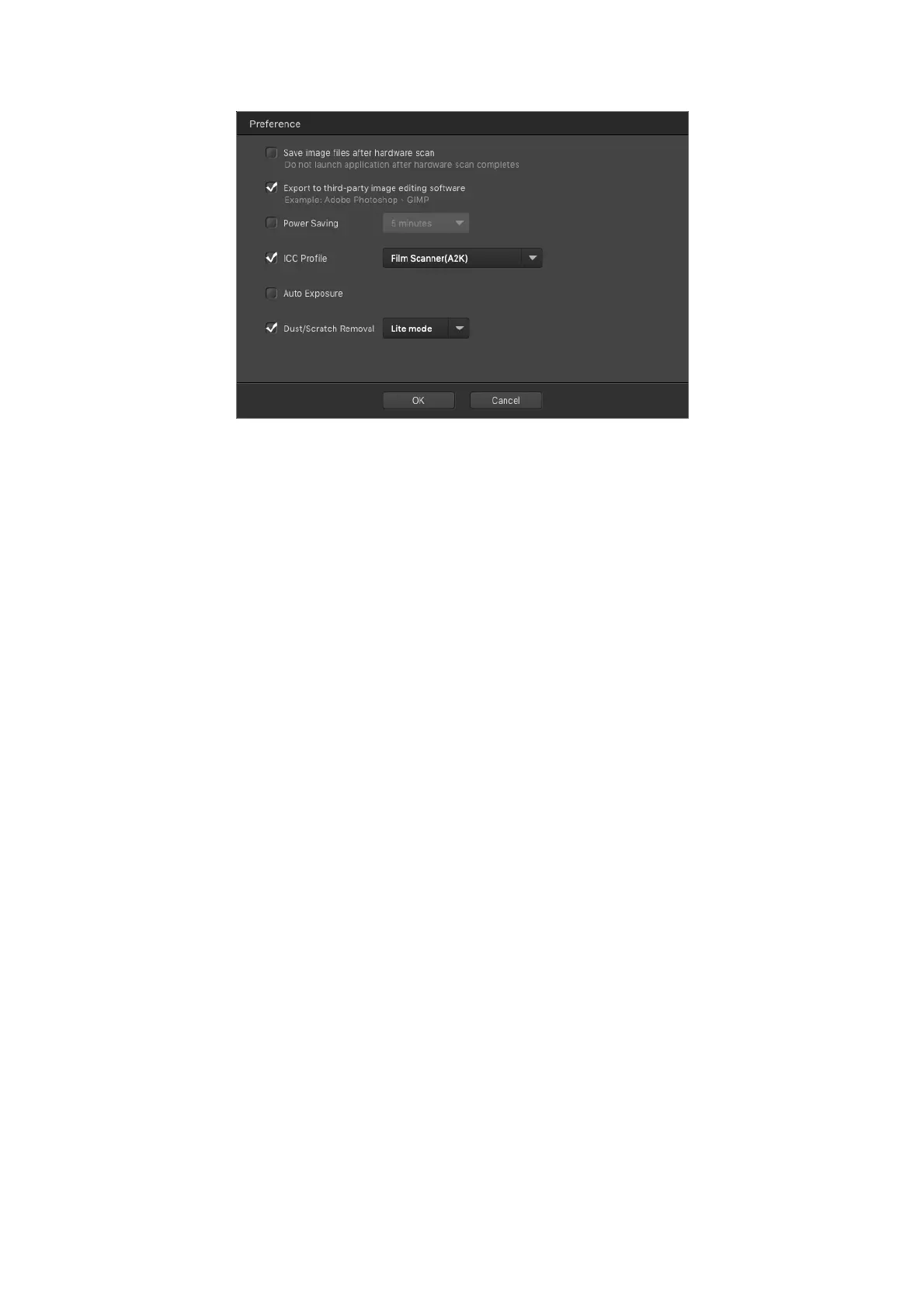
[Save image files after hardware scan]: Activate this checkbox, you may press
[QuickScan]buttononthescannerpaneltoperform[Custom]scandirectly.Please
adjust [Custom] mode scan settings, especially the [Film] type setting before
scanning.
[Export to third‐party image editing software]:
Activate this checkbox to export
the scanned images to third‐party image editing software for further editing. The
scannedimageswillbeopeneddirectlyonthird‐partyimageeditingsoftware.
Note: The negative film scanned images will be exported to third‐party image
editingsoftwarewithoutanyimageprocessing.
23














 To Next Page