• Camera Modes
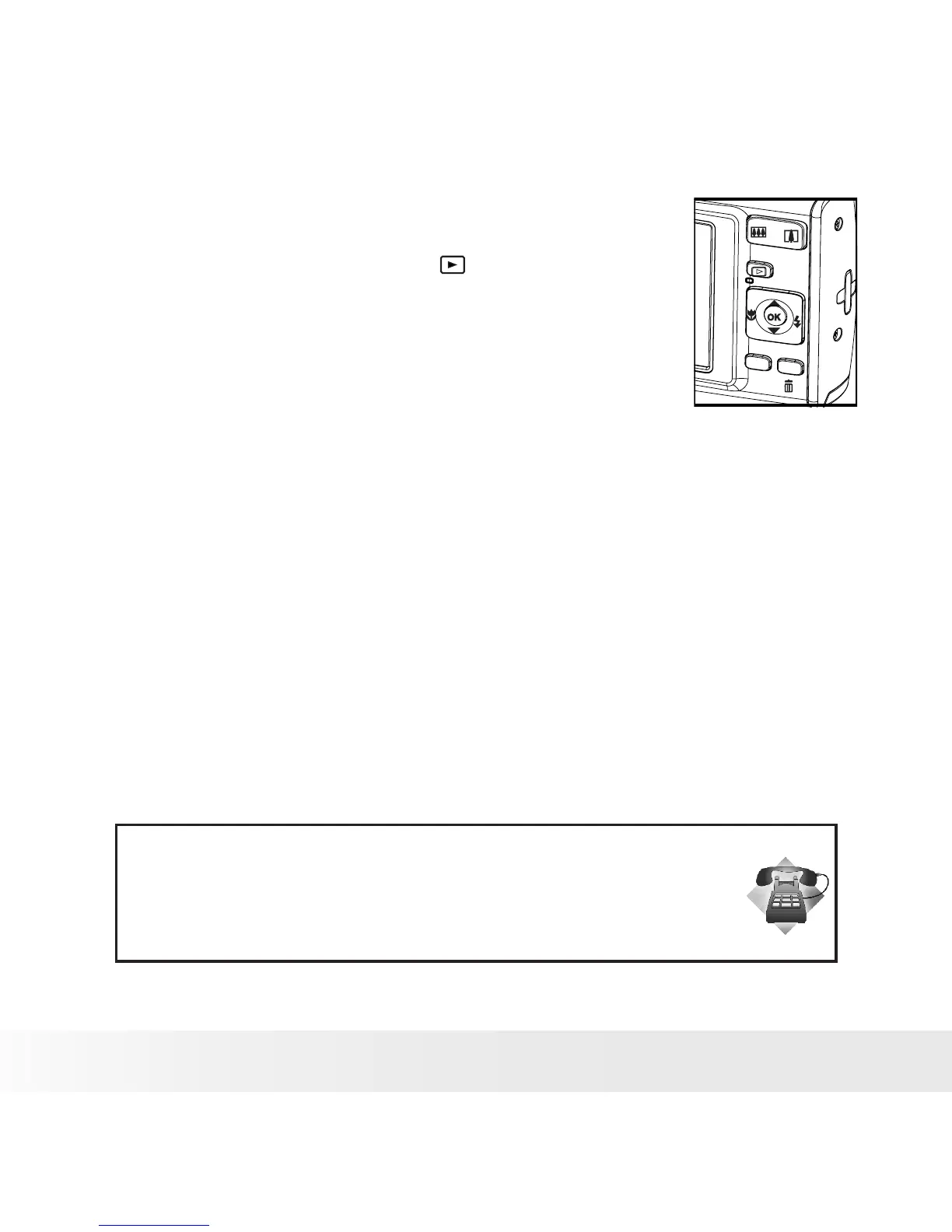
The camera has two working modes, Capture mode
and Playback mode. Pressing the PLAYBACK button
switches between the Capture mode and Playback
mode.
scene
menu
Capture Mode
In this mode, you can record still images, video and audio clips. This
mode allows you to select the image and video settings according to the
shooting environment. For more details, refer to “Taking Pictures” on page
33, “Recording Movie Clips” on page 61 and “Recording Audio Clips” on
page 63.
Playback Mode
This mode allows the review, rotation, protection or deletion of pictures
and video clips from the camera. You can add a voice memo to a picture.
For more details, please refer to “Managing Pictures and Video Clips” on
page 65.
Need help with your digital camera?
Call our customer service help number. Look for the insert with this icon:
Or visit www.polaroid.com.



 To Next Page
 Loading...









