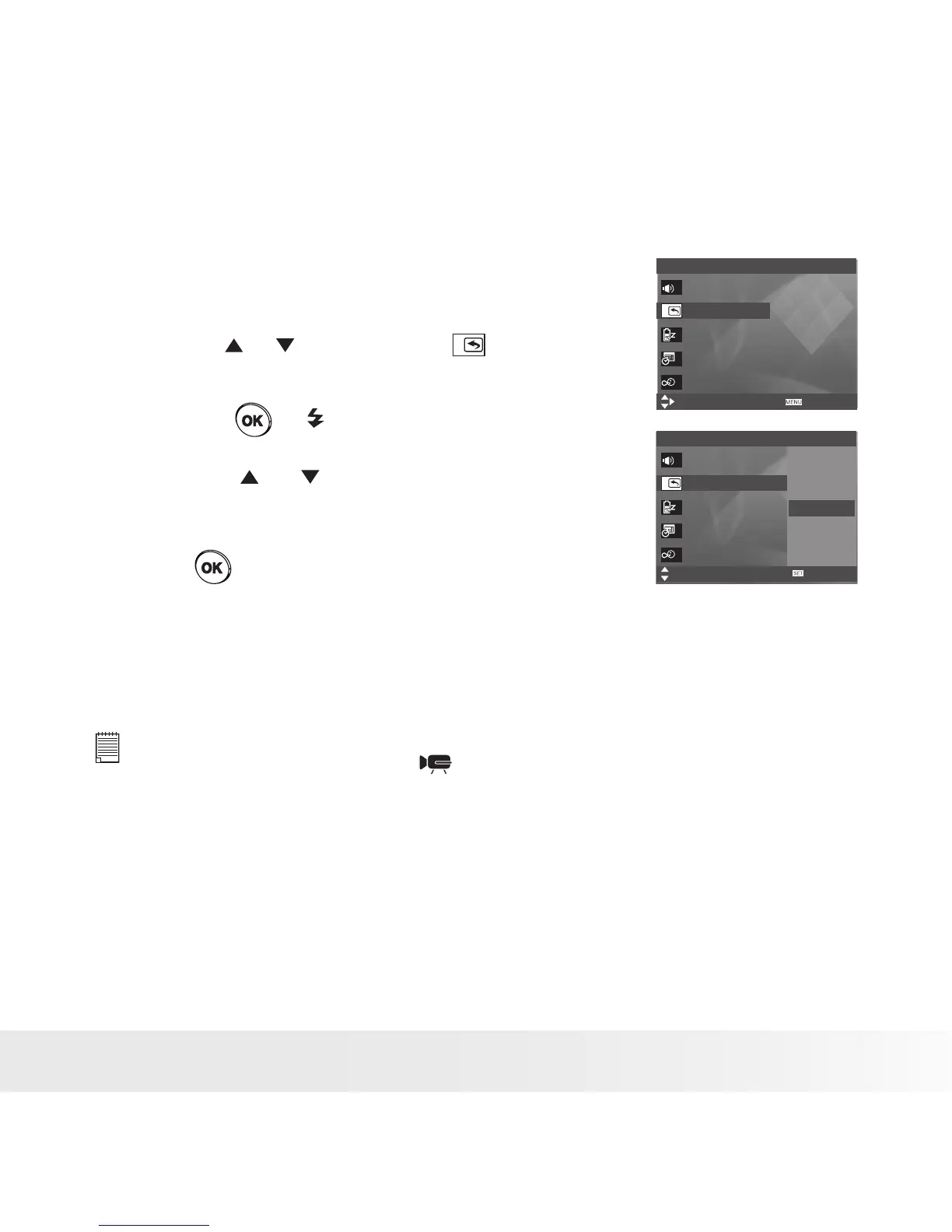
• Selecting Auto Review Period
When the auto review feature is activated, the picture just taken will be
shown on the LCD screen for a certain period.
1. Access the setup menu.
2. Press the or button to select ( Auto Review
).
3. Press the or button.
4. Press the or button to select the desired
setting.
Setup Menu 1/3
Select
Exit
Sounds
Auto Review 3 sec.
Power Save 1 min
Date & Time
Language English
Setup Menu 1/3
Select
Sounds
Auto Review
Power Save
Date & Time
Language
OK
Off
1 Sec.
3 Sec.
5 Sec.
5. Press button.
OFF The auto review feature is not activated.
1/3/5 Seconds The picture just taken will be shown on the LCD
screen for a certain period.
NOTE:
This setting is also available in (Video) mode.



 To Next Page
 Loading...









