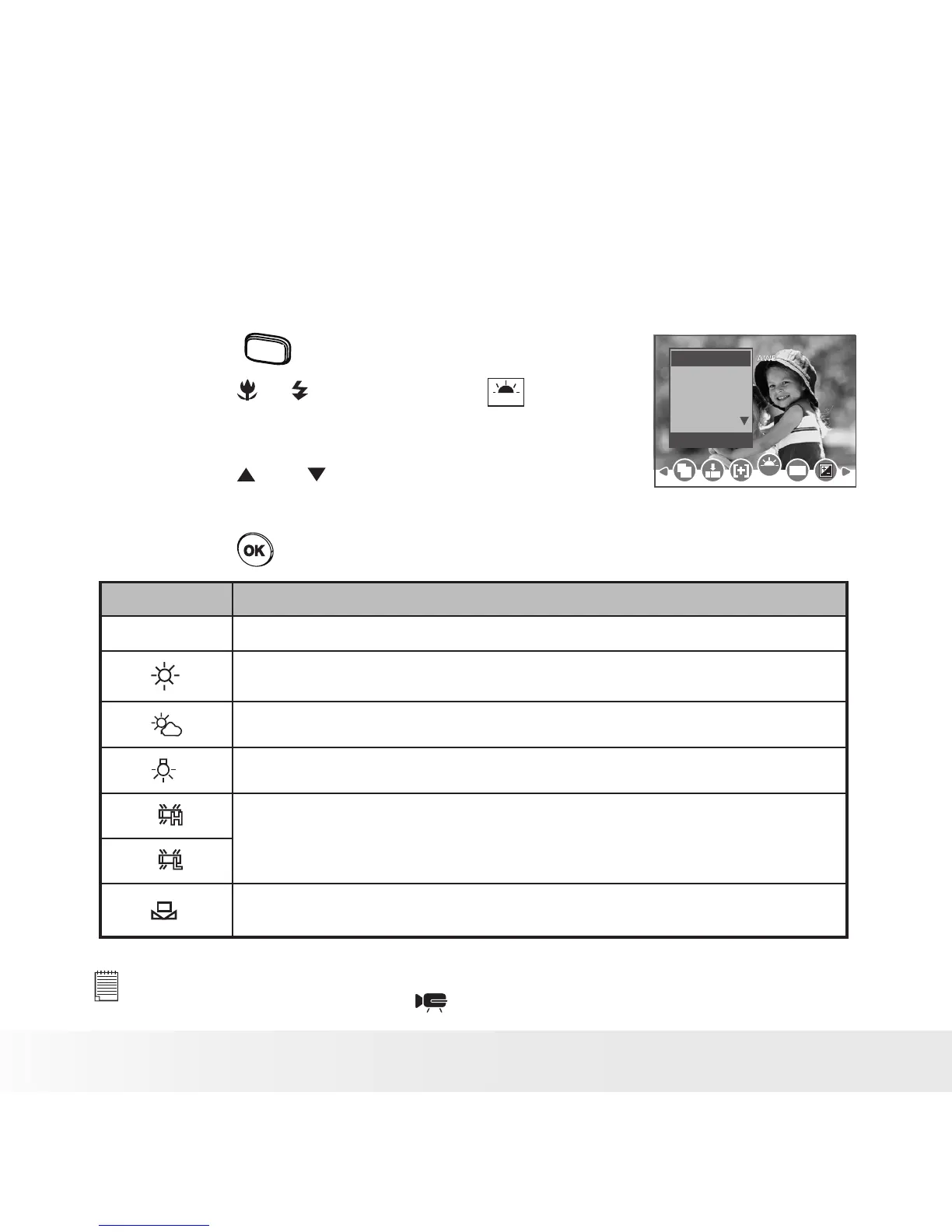
• Setting White Balance
Selecting the right type of white balance can help to make the color of a
subject appear more natural under the type of lighting that is available.
1. Set the camera to Still Image mode.
2. Press the
menu
button.
3. Press the or button to select
WB
(White
Balance).
White Balance
WB
ISO
Auto
Daylight
Cloudy
Tungsten
Fluor_H
4. Press the and button to select the
desired setting.
5. Press the button.
Option Description
AUTO
Automatic adjustment. Use this for most picture taking scenes.
Outdoor daylight
Cloudy
Indoors, illuminated by incandescent light bulbs
Adjusts for uorescent lighting. Corrects the green hue of uorescent
lighting. Ideal for indoor photos under uorescent lighting without a ash
For more accurate adjustment or when the light source cannot be
specied
NOTE:
This setting is also available in (Movie) mode.



 To Next Page
 Loading...









